








Newsletter Subscribe
Join thousands of readers who get our Sunday Briefing: one email, five essential stories, zero fluff. Subscribe NOW!

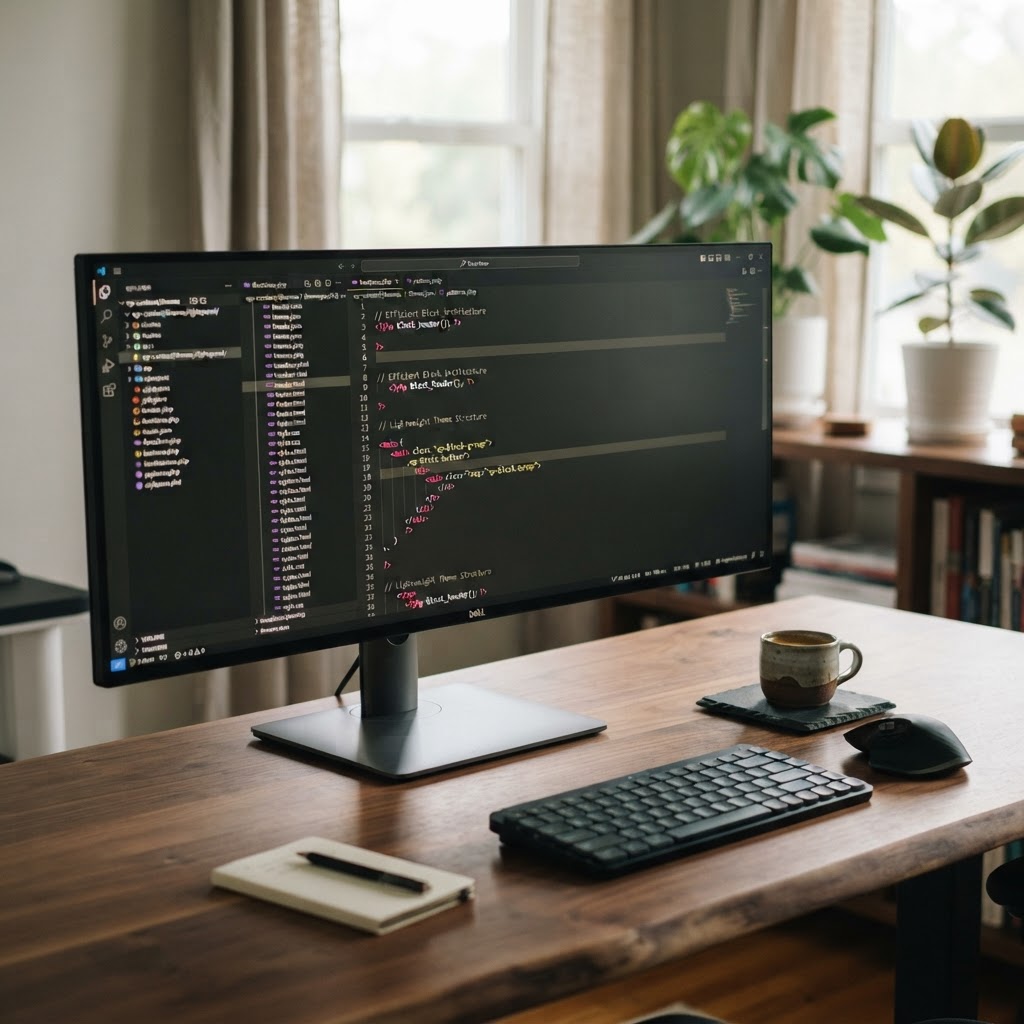
Performance is not a feature you add at the end; it is a design choice. Learn why building lean, performance-first block themes is the only way to stop the bloat and satisfy your users.
Talking Points:
* The industry obsession with bloated themes.
* The myth of ‘easy’ development.
* Why your current theme architecture is likely a performance liability.
I spent three days last week fixing a site that took twelve seconds to load. Twelve seconds. That is an eternity in the modern web. The owner blamed their hosting provider, but the culprit was a bloated “all-in-one” premium theme packed with fifty useless features. We are obsessed with features when we should be obsessed with speed. It is a sickness.
Many developers still cling to the myth that a massive theme makes for an easier workflow. They want every slider, every animation, and every pre-built layout included out of the box. You pay for that convenience with every single byte of unnecessary CSS and JavaScript. Stop it.
Your current architecture is almost certainly a liability. You are loading fonts you never use. You are carrying script libraries for carousels that do not exist. It is time to look at your site like a mechanic looks at an engine. Start stripping out the parts that do not make it run better.
Talking Points:
* FSE is a tool, not a magic bullet.
* Understanding the paradigm shift from PHP to block-based templates.
* Moving away from legacy PHP habits.
Full Site Editing, or FSE, is a powerful shift. It lets you edit headers and footers with a block interface. Some think it is a magic bullet that fixes slow sites. They are wrong. It is just another set of tools, and like any tool, it can be misused.
We moved from messy PHP templates to HTML-based files with block markup. This shift requires a new mindset. You cannot just copy-paste old PHP logic into a block theme and expect efficiency. You have to learn how blocks communicate with the server.
Drop the legacy habits. If you are still relying on massive external builders inside your blocks, you are just recreating the same bloated problems we had a decade ago. Focus on the core of the engine. Use the native capabilities of the block editor.
Talking Points:
* How theme.json shapes your loading path.
* Using schema properties for better validation.
* Reducing reliance on custom CSS through global settings.
Your `theme.json` file is the brain of your theme. It defines your colors, spacing, and typography globally. When done right, it eliminates thousands of lines of custom CSS. That is a win for the critical rendering path.
I always define a `$schema` property at the top. It gives me autocompletion in my code editor. It saves me from typos that break layouts. It is the kind of small detail that makes for a cleaner codebase.
Stop writing custom CSS for every single layout shift. Let the theme handle your spacing and typography. If you define your settings correctly, the browser does less work. That means a faster site for the visitor.
Talking Points:
* Removing unnecessary code for faster execution.
* Focusing on static HTML generation.
* The danger of over-engineered template parts.
I once inherited a project with ten different template parts for a simple footer. It was a nightmare. Why have ten parts when you only need one? Every extra file adds complexity to your server-side rendering.
Go minimalist. Strip your files down to the bare necessities. If a block pattern is not being used, delete the code. Keep your DOM size small to stop layout shift. Smaller codebases are easier to debug and faster to load.
Think about what your user actually sees when the page hits the browser. They do not care about your elegant template structure. They care that the text renders quickly. Give them that.
Talking Points:
* Loading assets only when needed.
* The impact of plugin bloat on performance.
* Asset minification and critical rendering path optimization.
Performance-first custom block theme development means being stingy with assets. I hate seeing a library load on every page just because one minor feature might use it on a sub-page. Use conditional asset loading wherever possible.
Plugin bloat is a plague. If a plugin brings in a huge CSS file that overrides your entire design, delete it. Find a leaner alternative or write the function yourself. Most developers are afraid to write their own small scripts, but it is often the better path.
Minify your scripts and styles. Do it during the build process, not the runtime. If you serve a bloated site, your conversion rates will suffer. We know that every extra second of load time costs real money.
Talking Points:
* Creating specific blocks for specific needs.
* Avoiding generic plugin-heavy layouts.
* Using the interactivity API to keep things snappy.
I stopped using generic page builders years ago. They force you into a “one size fits all” container that is heavy and rigid. Building custom block variations is the only way to stay lean. You build exactly what the design requires and nothing more.
Use the Interactivity API if you need dynamic behavior. It keeps your JavaScript footprint small and logical. Avoid pulling in heavy frameworks that do too much. You want a surgical tool, not a blunt axe.
When you build your own blocks, you own the code. You know exactly what is in the output. There are no hidden scripts from some third-party dev who stopped updating their plugin in 2021.
Talking Points:
* Moving past Google PageSpeed Insights.
* Focusing on Core Web Vitals.
* Understanding the mobile-first reality of web traffic.
Google PageSpeed Insights gives you a number. That number is not your actual business success. Focus on Core Web Vitals instead. Those metrics actually correlate to how a user experiences your page.
Remember that most traffic is mobile now. If you are testing your site on a giant desktop screen, you are lying to yourself. Check your performance on a budget phone on a 4G connection. That is the real test.
Don’t get addicted to high scores if they don’t lead to better conversions. A fast site is a foundation, not a trophy. Track your bounce rate and your sales. Those are the numbers that actually matter.
Talking Points:
* Keeping your codebase clean and maintainable.
* Preventing technical debt in WordPress.
* Building for long-term project viability.
Technical debt is a slow killer. It starts with one quick hack to make a template work. Then you add another. Soon, your theme is a mess of band-aids. Keep your code clean from day one.
Don’t build complex logic into your template files. Move that to your plugin or your functions file. Keep your themes focused on display. It makes updates much easier when the time comes.
If you find yourself writing the same code over and over, stop. Create a block pattern. It makes your work repeatable and helps you scale without adding more bloat to your theme files.
We spend way too much time obsessing over complex themes that just slow our users down. Performance is not a feature you add at the end of the project. It is a mindset you apply from the very first line of code.
Building lean themes is hard work, but it is the only way to create something that lasts. Stop compromising on speed for the sake of convenience. I would love to hear how you keep your themes fast in the comments below. What is your go-to trick for reducing bloat?
Question: Does switching to a block theme automatically make my site faster?
Answer: No. A block theme is just a structure. If you fill it with inefficient blocks and too many patterns, it will be just as slow as an old classic theme. Performance comes from how you build and optimize, not the theme type.
Question: Is it true that I should avoid plugins to keep my site fast?
Answer: Not necessarily, but you should be extremely picky. A few well-coded plugins are fine, but adding a new plugin for every tiny feature is a recipe for disaster. Evaluate every plugin based on how it impacts your load time.
Question: What is the most common cause of slow block themes?
Answer: Excessive DOM size and loading unused external assets. When you use too many nested groups and columns, the browser has to work harder to render the page, which kills your performance score.
Question: How do I find out if my theme has too much bloat?
Answer: Check the browser developer tools network tab. Look for files being loaded that you don’t recognize or don’t need for the current page. If you see huge libraries like jQuery loading when you aren’t using them, that is your first sign.
Question: Can I use theme.json for everything instead of CSS?
Answer: You should try to. It is the standard way to handle styling in block themes. It helps the editor and the frontend stay consistent. Only use custom CSS when you have a specific requirement that the global settings cannot handle.





