








Newsletter Subscribe
Join thousands of readers who get our Sunday Briefing: one email, five essential stories, zero fluff. Subscribe NOW!

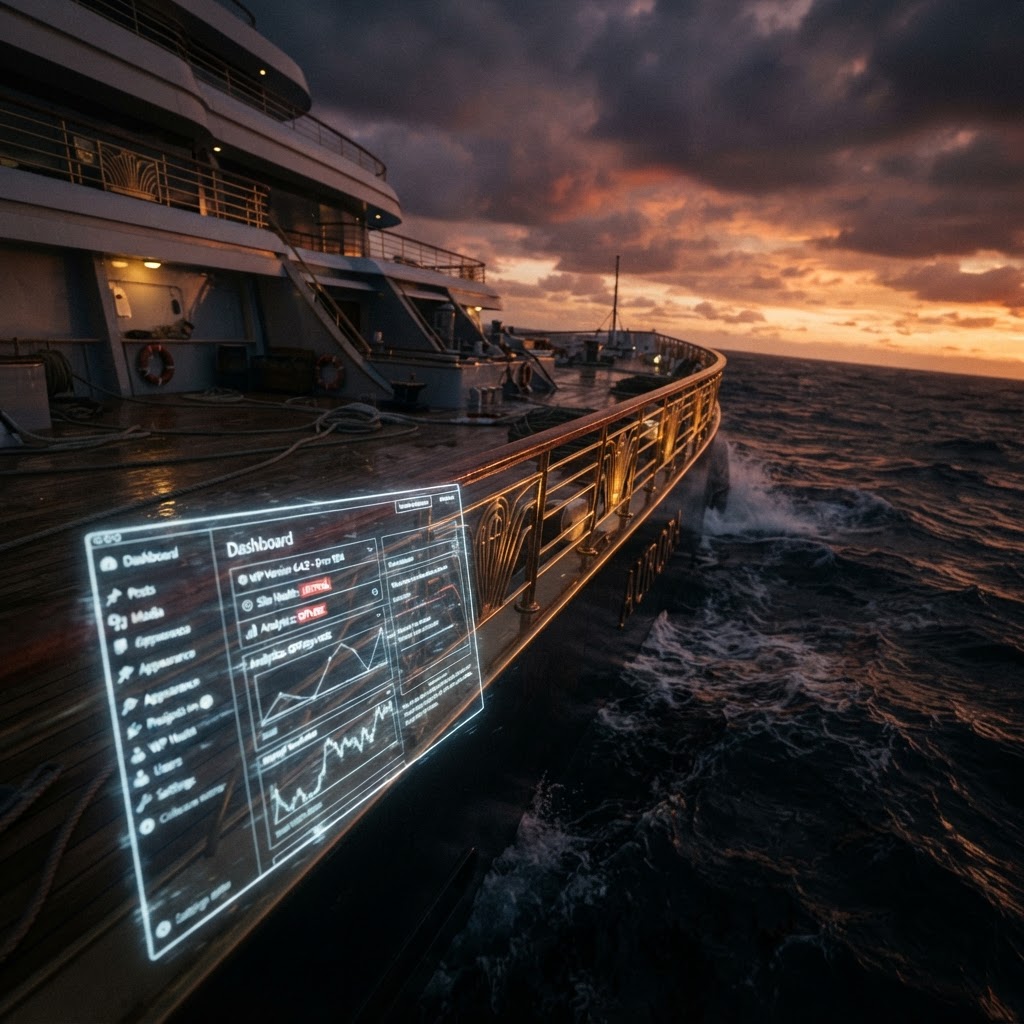
WordPress 7.x brings significant changes to admin design systems. Stop fighting the core, embrace native UI patterns, and focus on functional governance over vanity-driven customization.
Talking Points:
I once spent three weeks building a custom dark-mode dashboard for a client who claimed they needed it for “brand alignment.” Two months later, a core update arrived, broke the CSS injection, and turned the entire admin panel into a unreadable mess of overlapping text. I sat there at 2 AM, undoing my own work while the client complained about their “professional aesthetic.” That was the moment I stopped polishing the brass on a sinking ship. We obsess over interface consistency, yet we ignore that WordPress core evolution cares nothing for our ego-driven branding exercises.
WordPress powers 43% of the internet. It is a massive, lumbering beast that moves in ways you cannot predict. When you fight that momentum to force your specific design system architecture into the dashboard, you are not being a visionary. You are just creating a future technical debt that your client will eventually pay for in emergency support fees. Stop it.
Talking Points:
Most admin interfaces fail because they are victims of their own success. You add a custom widget here, a sidebar override there, and suddenly, managing WordPress admin interfaces feels like trying to organize a junk drawer during an earthquake. We throw features at the screen, hoping they stick, but we never stop to consider if the user actually needs that extra button.
Admin bloat is rarely about actual utility. It is about developers thinking they know better than the core contributors. I have seen dashboards so modified they required a custom manual just to find the “publish” button. If you need a map to navigate your own CMS, you have failed the user. Simplify the workflow, and the interface will stop feeling like a prison.
Talking Points:
We love the idea of a perfect, pixel-perfect component library. It sounds organized. It sounds professional. Then reality hits. A new plugin arrives, ignores your CSS encapsulation, and shatters your carefully crafted layout. Your design system is not a structure; it is a delicate patch job waiting for a strong wind.
Accepting this reality is not a sign of defeat. It is a sign of experience. Instead of building a wall against change, build a bridge that works with the existing flow. If your admin dashboard relies on fragile custom styling, you are essentially asking for a crash. Let the system breathe.
Talking Points:
With WordPress 7.1 arriving on August 19, 2026, the game changes again. The shift to a permanent iframe for the post editor is not a suggestion; it is a requirement. If you are still relying on legacy hacks to style your editor, you are going to see a lot of broken screens come late summer.
This update forces us to use native Block API v3 tools. Those new built-in editor controls for responsive styling are actually good. They replace the dozens of lines of CSS we used to hack into the core. Embrace these tools. Stop writing your own when the core finally provides what you need.
Talking Points:
I have seen clients demand their logo on every single screen. Does it help them write? No. Does it help them manage products? No. It is just vanity. Every line of CSS you add to change the native look increases the chance of a plugin conflict.
Admin UX challenges are usually self-inflicted. By keeping your branding to the front-end where it belongs, you save everyone a headache. Keep the admin panel clean. Keep it functional. Stop turning the dashboard into a billboard.
Talking Points:
When I build for the admin area now, I ask one question. Will this break in six months? If the answer is yes, I do not build it. I lean on native WordPress hooks. I prioritize stability over visual flair. That is how you build a site that lasts.
Stop over-engineering your solutions. A simple, native-looking dashboard that functions well is worth a thousand custom, broken interfaces. Clients value a site that stays online more than a site that looks like their letterhead.
Talking Points:
I once managed a custom library that was supposed to make UI consistency easy. It ended up being a full-time job. I was constantly patching CSS conflicts and fixing JS dependencies every time a WordPress minor update pushed. The maintenance cost was astronomical compared to the benefit.
Unless you have a team of ten dedicated to maintaining your admin UI, you cannot afford a custom component library. Use what is in the box. WordPress 7.1 has new design system theming features specifically for this purpose. Use them, or prepare for the bloat to eat your profits.
Talking Points:
User experience governance is just a fancy way of saying “keep it simple.” Stop decorating the admin and start organizing the tools. When a user logs in, they need to accomplish a task. If your custom “design” gets in their way, you have failed.
Focus on the administrative workflow. Does the user find the buttons they need? Is the UI predictable? If you prioritize function, you will naturally end up with a cleaner, more stable dashboard. Decorate the front-end. Leave the back-end to do its job.
Talking Points:
Fighting the WordPress design language is like swimming against a riptide. You will get tired, and eventually, you will drown. Why pay to replace a perfectly functional native UI with your own? It wastes client money and frustrates users who just want the software to work.
Clients want value, not a custom-colored button that breaks every time there is a core update. Stick to the defaults. The best interfaces are the ones the user ignores because they just work. Stop the vanity and start the efficiency.
Talking Points:
We are here to build, not to paint. If you can stop trying to force WordPress to be something it is not, you will find your development life becomes significantly easier. Complexity is the enemy of stability. Stop the endless polishing of the brass and focus on keeping the ship afloat.
Apply these principles to your next project. Resist the urge to “enhance” the dashboard with unnecessary custom code. If you find yourself building a complex design system, pause and ask why. Usually, the answer is just pride. Let it go. Share your experiences in the comments below, and let us discuss how you are simplifying your admin workflows.





