Newsletter Subscribe
Join thousands of readers who get our Sunday Briefing: one email, five essential stories, zero fluff. Subscribe NOW!

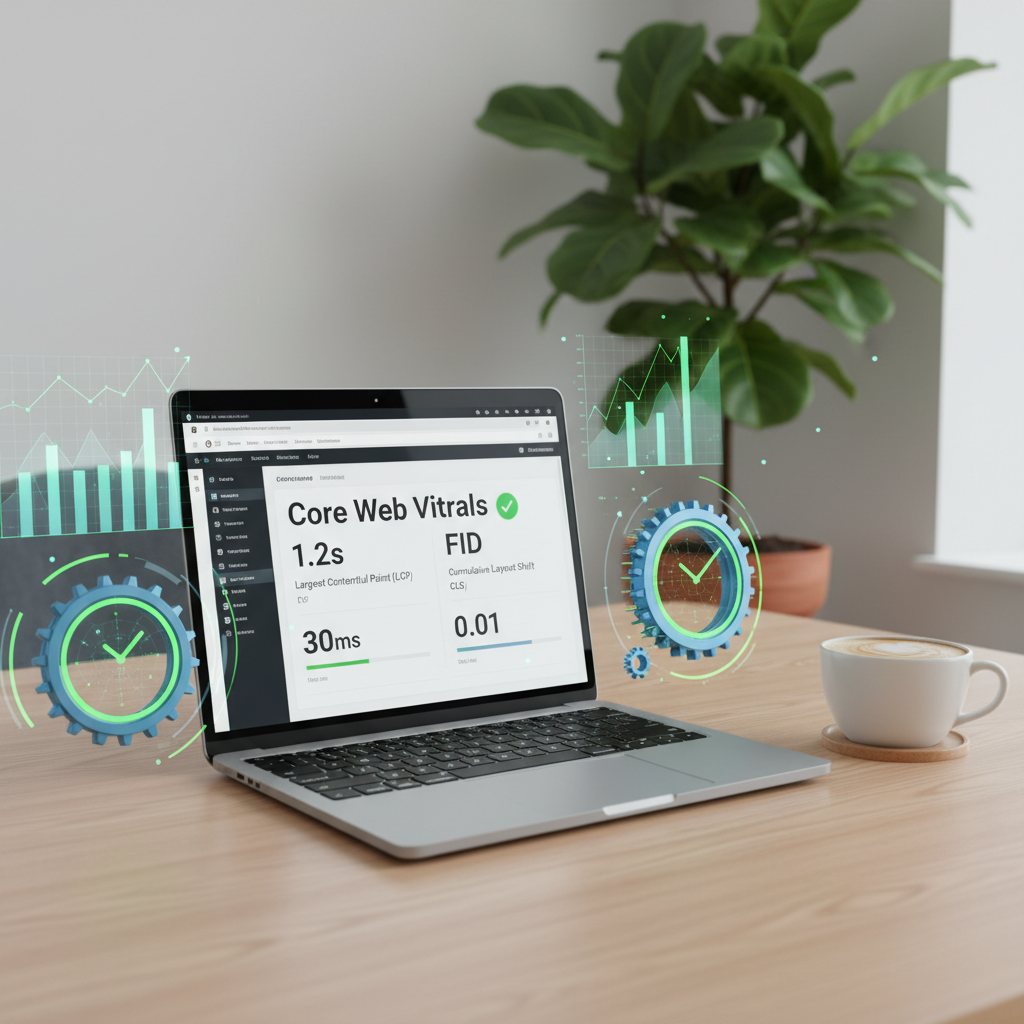
Explore the intricate balance of WordPress performance optimization, focusing on Core Web Vitals and the emerging AVIF image format. Discover practical strategies, pros and cons, and real-world examples to enhance your website’s performance.
Did you know that images can make up over 80% of your web page’s weight? Yeah, I learned that the hard way after staring at my analytics, perplexed by why my site was dragging its feet. It’s the kind of wake-up call that forces you to rethink everything—especially when it comes to WordPress performance optimization. The website you’re trying to showcase deserves better, and if it’s slow, well, you just lost a potential visitor or, worse, a customer.
In this article, I’m diving into Core Web Vitals, the underappreciated AVIF image format, and strategies that might just get your site zooming along like it was meant to.
Talking Points:
Ah, Core Web Vitals—the mysterious trio that you’ve likely heard of but are probably avoiding. They sound technical, but they boil down to three crucial metrics:
Google’s focus on these aspects isn’t just for fun; it’s part of their larger goal to rank sites that offer a better user experience. If LCP drags on too long, or if CLS makes users’ heads spin, say goodbye to search engine favor. Fortunately, there are methods to counteract these issues, so don’t feel defeated just yet!
Talking Points:
Let’s pull in the new kid on the block: AVIF. Released amid all the hype around image formats, it promises up to a 50% reduction in file size compared to JPEGs—all while maintaining a crisp appearance. But here’s the kicker: while it’s an incredible format, not all browsers play nicely with it. Sure, it sounds great when the WordPress community hails it as the future of image optimization, but the reality is glaringly different. You might have a slick-looking gallery, but if it doesn’t load on all devices, it doesn’t matter how pretty it is.
Okay, it’s not all doom and gloom. Many users report drastic improvements in page load times, which directly benefits Core Web Vitals. But tread carefully, my friend—checking your user analytics is vital to see who’s actually visiting your site. If you’ve got a significant chunk of your audience using browsers that don’t support AVIF, think twice about going all-in.
Talking Points:
So, you’re sold and ready to jump headfirst into implementing AVIF on your WordPress site? You’ve got options. Plugins like ShortPixel, Imagify, and EWWW Image Optimizer make it relatively painless to convert images. They can create AVIF files along with WebP fallbacks, ensuring that even those stuck in the stone age of JPEGs can enjoy your visuals.
However, I can’t stress this enough: don’t ignore your audience’s browser preferences. You need to balance cutting-edge optimization with practicality. Monitor your site’s performance metrics regularly to establish if the implementation is indeed paying off.
Talking Points:
Here’s the rub. While AVIF shines in quality and compression, not all browsers support it. Chrome and Firefox are in the AVIF club, but Safari and older versions of Edge are still catching up. What does this mean for you?
You might need some savvy fallbacks—namely, keep WebP or good ol’ JPEG in your toolkit. When the AVIF option fails, having those alternatives ensures that your site remains visually appealing across the board without sacrificing loading times. You’re not an obstacle course—you want to welcome visitors, right?
Talking Points:
While we’re on the topic of images—don’t sleep on other strategies like WebP or image compression tools. WebP, while not as efficient as AVIF, is still widely supported and can yield decent size savings. And let’s not forget about lazy loading! This handy feature loads images only when they’re in the viewport, cutting down initial load times and improving LCP scores dramatically.
Experimenting with various formats and techniques often yields the best results, allowing you to tailor strategies that work best specifically for your site. Trust me; there’s no universal answer here. What works like magic for one website may land with a thud on another one.
Talking Points:
Let’s get real for a moment. Over-optimization can be as detrimental as outright neglect. While having the fastest site matters, cramming too many optimization techniques can lead to images that lack quality or worse—an unfriendly user experience. There’s a thin line between performance and usability. Be vigilant; remember the importance of looking beyond mere metrics.
Success isn’t measured solely by numbers—think about the people actually engaging with your site. If they’re frustrated by a low-quality image or wonky layout, they’re definitely not going to hang around.
WordPress performance optimization doesn’t have to feel like pushing a boulder uphill. It’s essential to pay attention to factors like Core Web Vitals and emerging technologies like AVIF. Just balance the pros and cons, and keep your audience front and center.
There’s no one-size-fits-all, so feel free to try various techniques until you find what fits your site best. And hey, why not share your experiences or methods in the comments below? Let’s keep this conversation going!
1. What are Core Web Vitals?
Core Web Vitals are specific metrics that Google uses to measure user experience on websites. They focus on aspects like loading performance, visual stability, and interactivity, crucial for keeping visitors engaged.
2. Why is AVIF better than JPEG?
AVIF offers smaller file sizes compared to JPEG without sacrificing quality. This can lead to faster page load speeds and better performance, especially on mobile devices where loading times matter most.
3. How can I implement AVIF on my WordPress site?
You can use specific plugins, like ShortPixel, Imagify, and EWWW Image Optimizer, that facilitate AVIF support and allow fallback formats to ensure compatibility across different browsers.
4. Are there any downsides to using AVIF?
The main downside is browser compatibility; not all browsers support AVIF yet. It’s essential to implement fallback formats to ensure users on all platforms have a seamless experience.
5. What other image formats should I consider?
Besides AVIF, consider using WebP or classic formats like PNG and JPEG. WebP is widely supported and offers decent compression; combining it with AVIF gives you a more comprehensive approach to image optimization.