Newsletter Subscribe
Join thousands of readers who get our Sunday Briefing: one email, five essential stories, zero fluff. Subscribe NOW!

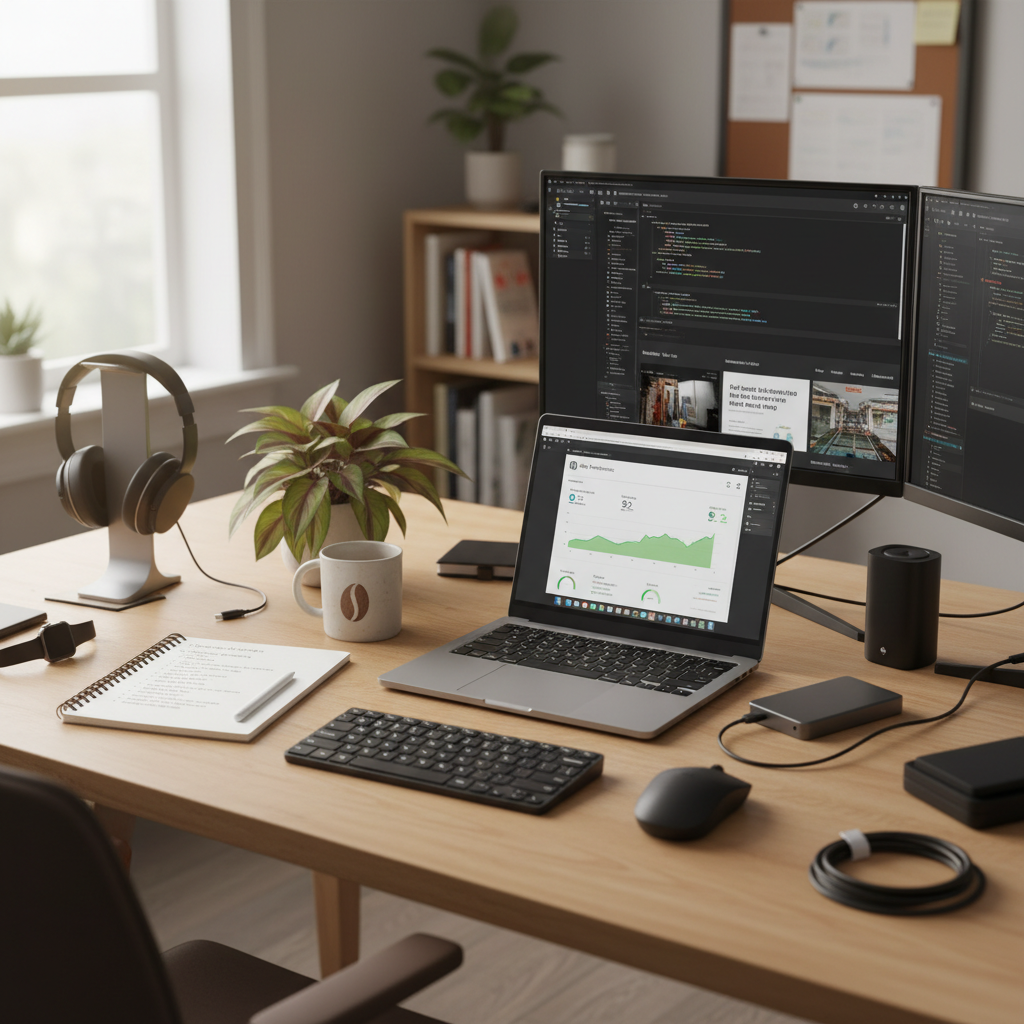
Uncover the myths surrounding WordPress performance optimization and explore effective techniques for speeding up your site. Learn about caching, image optimization, database cleanup, and server configurations.
Have you ever clicked on a WordPress site and waited—counting off seconds like they’re minutes? Studies show every additional second adds up to a staggering 7% drop in conversions! Crazy, right? It’s a wake-up call about how crucial website performance is, especially if you’re trying to keep visitors engaged.
Too often, we fall into the trap of believing in quick fixes, the shiny silver bullet that promises a speedier site overnight. Spoiler: it rarely exists. I’ve spent years tinkering, troubleshooting, and yes, failing miserably before I stumbled upon effective methods to optimize WordPress performance. Trust me, it’s a journey filled with trial and error, but the fruits of that labor? Totally worth it.
Talking Points:
When it comes to WordPress speed optimization, caching gets touted as the holy grail. But here’s a little secret—just like the last slice of pizza, not all caching is created equal. I once layered multiple caching plugins, thinking I’d struck gold. Nope. My site was slower than ever!
The issue is that some plugins can conflict. Each adds its own layer of complexity, which can lead to weird glitches and long response times. Really, it’s better to pick one robust caching strategy. Look for features like page caching and object caching—these can work wonders without the chaos of overlap.
Talking Points:
The larger your images, the heavier your site becomes. Think of it this way: a hefty image trying to sprint down the internet highway will end up causing gridlock. Large, unoptimized images are a common culprits behind slow performance. I learned this the hard way after losing traffic due to a few oversize photos on my site!
Here’s what I do now. Beyond just compressing and resizing images, I leverage lazy loading. This means that images only load when they enter the viewport, saving a ton of bandwidth. Tools like Smush or ShortPixel can help compress images without compromising quality. Trust me; your users will appreciate those fast-loading pages.
Talking Points:
Your database builds up like that one closet you avoid opening. Over time, old revisions, spam comments, and inactive plugins clutter things up. This increases database queries, which slow down performance.
Take a little time to clean house. I often use a plugin like WP-Optimize to flush out what I don’t need. But here’s the kicker—too much cleaning can be worse than doing nothing at all. You don’t want to accidentally delete important data!
Talking Points:
For a while, I was that person—a plugin hoarder convinced that removing more would make my site speedier. It turned out, I was merely setting realistic expectations. The truth is, the number of plugins matters less than their quality.
Some plugins bring significant value and performance enhancements while others just sit there, weighing you down. Regularly review the plugins you use and ask yourself—does this increase functionality? If it does, keep it. If not, send it packing.
Talking Points:
The battle between keeping your theme stylish and ensuring fast loading times can feel impossible. However, you might be surprised—the theme you’re in love with could be the reason your site lags. I once lost countless hours trying to beautify an overly complex theme. The sad truth? It only made my site look cluttered.
Opt for lighter themes that still look great. You can always customize the CSS or add child themes for a personal touch without the hefty price tag of loading speed.
Talking Points:
Think of your hosting provider as your performance coach. If they’re sluggish, you will be too. I can’t emphasize enough how critical this choice is. Hosting is probably the most underrated performance variable in WordPress!
Choosing a reputable host doesn’t just give your site a speed boost; it might provide you with necessary configurations, like PHP versions and server resources, that you didn’t realize could ease the load. Better hosting means fewer headaches down the road.
Talking Points:
Ah, the magical realm of Content Delivery Networks—CDNs. They’re fantastic for speeding up load times globally. But here’s the problem: they’re not always necessary, and many jump on the CDN train thinking it’s the ultimate solution. I remember setting one up for a small blog that saw no traffic outside my neighborhood. Complete waste of resources!
Evaluate your audience before committing. If most of your users are local, a CDN may not be necessary. But if you have global reach, using one can dramatically improve load times and provide a better user experience.
Talking Points:
Sometimes, the basics just won’t cut it. I’ve been there—staring at the stagnating performance of a site that’s doing everything I thought was right. In these moments, it helps to consider advanced techniques. This could mean leveraging cloud storage for media or implementing server-side caching strategies.
And let’s be real: if you hit the point where you’re out of your depth, it pays to bring in a professional. Trust me, there’s no shame in asking for help when you’re feeling lost.
Talking Points:
Finally, the grind doesn’t stop once you implement these changes. Continuous monitoring and maintaining your site are vital. I’ve watched sites go downhill simply because one plugin wasn’t updated regularly. Yikes!
Using tools like Google PageSpeed Insights or Pingdom can help you keep an eye on speed and performance. Schedule regular updates and maintenance checks. It’s like having a checkup for your website—preventative measures save you from larger headaches down the line.
Optimizing WordPress performance isn’t about chasing quick fixes or relying on magic plugins. It boils down to understanding the fundamentals, using quality tools, and making informed decisions. I hope my mix of lessons learned provides you with insights to better your approach.
Now, go ahead! Experiment with these techniques, and don’t shy away from customizing what works for your specific site. If you have stories to share or questions, feel free to drop them in the comments below. Let’s keep learning together!
1. How often should I optimize my WordPress site?
Aim to conduct performance checks quarterly or after significant changes. Regular monitoring helps catch any downtimes early.
2. Are there risks to using too many plugins at once?
Absolutely! It can lead to slower loading times, conflicts, and a jumbled user experience. Quality over quantity is key.
3. What caching plugin do you recommend for beginners?
WP Rocket is user-friendly and has excellent performance-enhancing features. It’s a great starting point!
4. Is investing in a CDN worth it?
If your audience is global, yes! It speeds up load times drastically. For local sites, it might be overkill, though.
5. How do I know if my images are slowing down my site?
Use tools like Google PageSpeed Insights to analyze your image performance. They’ll provide suggestions for optimization.