Newsletter Subscribe
Join thousands of readers who get our Sunday Briefing: one email, five essential stories, zero fluff. Subscribe NOW!

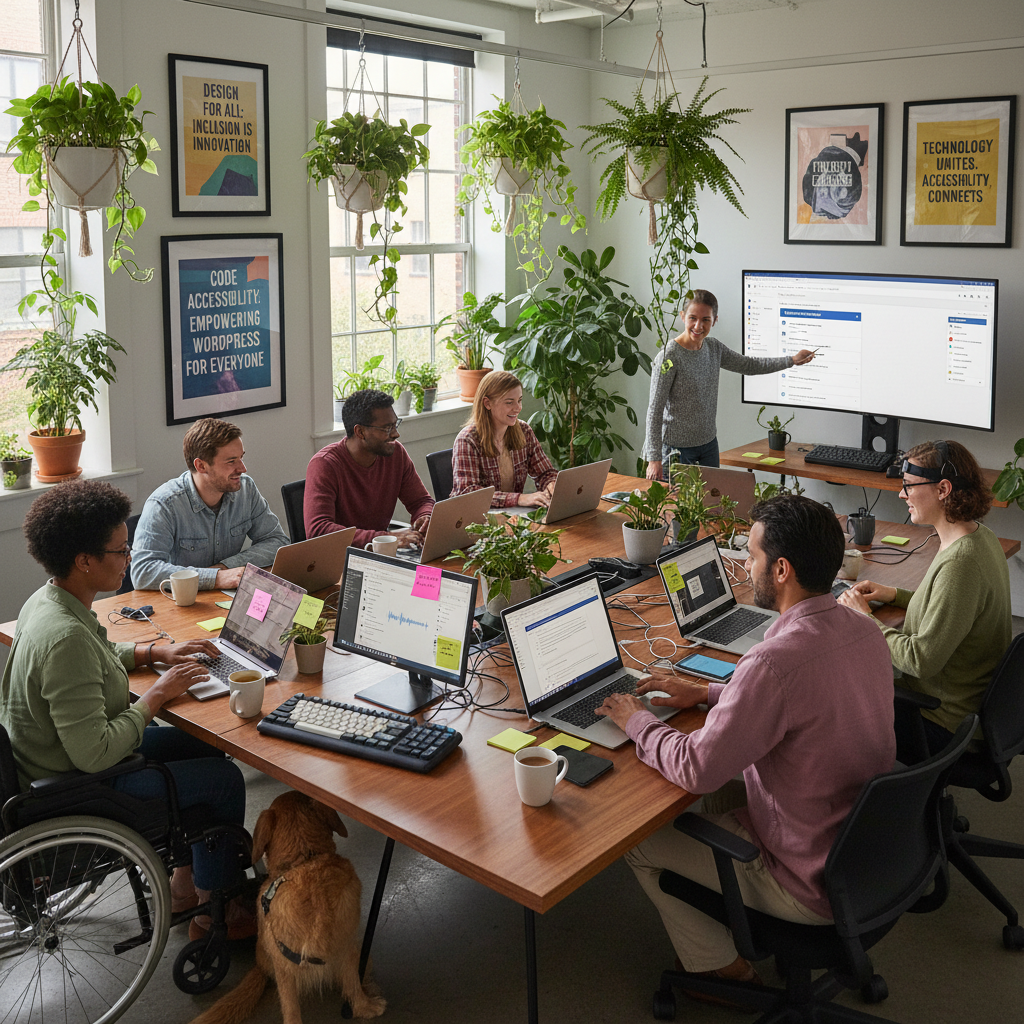
A deep dive into the state of WordPress accessibility in 2026, highlighting raises questions around compliance, practical tools, and the continuous challenges the industry faces.
Let’s start with a rock-solid fact: over 40% of color pairings on popular websites fail to meet basic accessibility standards. Mind-boggling, isn’t it? As I sat down to explore the latest updates in WordPress accessibility, I couldn’t help but think about how easy it is to discuss these improvements while overlooking the real struggles many face when accessing our so-called inclusive digital spaces. It’s a glaring issue too often swept under the rug, making it more urgent than ever to take a closer look at what’s happening with WordPress. Faced with the sobering statistics, we must challenge our complacency and ask: are we doing enough to ensure that everyone can engage with our digital content?
Talking Points:
WordPress 7.0 rolled out a total of 24 accessibility enhancements, including improvements to media management and color contrast in the admin color scheme. Sure, it sounds fantastic on paper. But before we start celebrating, let’s scrutinize whether these developments translate into real-world usability. I peeked at various community forums, and it’s clear: many users aren’t feeling the love. For instance, improvements in voice control usability are impressive, yet they’re not the holy grail for those relying on assistive technology. With these enhancements, are we only treating symptoms rather than addressing underlying problems?
Talking Points:
The goal is to make WordPress Admin and its bundled themes fully compliant with WCAG 2.2 AA wherever possible. However, as a person who’s dabbled in web design, I know these standards can often feel distant from reality. Compliance isn’t just about making a checklist for launch day. It’s an ongoing commitment, one that the WordPress community, despite its best intentions, sometimes neglects. As I mentioned earlier, nearly 41% of color contrast issues persist on many sites. So, can we truly claim we are compliant when glaring issues remain?
Talking Points:
Plugins offer some neat features: they can auto-generate alt text, assess page compliance, or even add keyboard navigation support. But let’s get real for a moment. There’s a lurking danger when we depend too heavily on these plugins. Sure, they can fix issues, but they shouldn’t replace a thoughtful approach to design. I’ve seen too many site owners breathe a sigh of relief upon installing a plugin, failing to understand that the plugin isn’t a panacea. It’s a supportive crutch, not a substitute for genuine accessibility.
Talking Points:
Color contrast problems plague nearly half of the websites I’ve stumbled upon, and keyboard navigation challenges persist, making access for users relying on these features frustrating. I once had a website with a palette that looked aesthetically pleasing but was a nightmare to navigate for users with visual impairments. It’s like throwing a party and forgetting to invite half your friends! The bottom line is that these battles are far from over, and with official guidelines like WCAG 2.1 being the new standard, it’s imperative we step up our game.
Talking Points:
With legal frameworks like the EU Accessibility Act aimed at bolstering digital inclusion, do they actually do their part? On paper, yes. But as is often the case, execution is another story. Without robust enforcement, these guidelines can feel like just another item on a bureaucratic checklist. As someone who has witnessed countless sites skirt these regulations, it’s vital we ask ourselves: does having a law ensure compliance, or just add another layer of complexity without real change?
Talking Points:
Let’s bring this into focus with some case studies. Several high-profile websites have bombed accessibility audits they undertook. I once analyzed a corporate site that flaunted its ‘Accessibility Ready’ badge, yet failed to meet basic contrast standards. The results? Excluded users and a hefty lawsuit waiting to happen. Such failures highlight the chasm between claiming accessibility and practicing it. Understanding these failures can offer powerful lessons and present a chance to rethink our practices.
Talking Points:
Now, let’s talk about the gatekeepers of accessibility: auditors. While I genuinely believe many auditors have good intentions, the industry often feels murky. Too many audits lack the depth needed to effect real change, driven instead by the quest for profit. As someone who has sat on both sides of the table—client and consultant—it’s critical we raise the standard for what an audit should deliver. We need audits that genuinely enhance accessibility, not just fatten corporate wallets.
Talking Points:
Looking ahead, real solutions must replace mere lip service in discussions about WordPress accessibility. Collaboration is essential: developers, users, and advocates must unite if we want to create a truly inclusive platform. I’ve seen far too many well-intentioned updates fizzle out without sustained user feedback or contribution. So, what’s the takeaway? A holistic approach to designing and maintaining accessibility is crucial. The onus isn’t just on developers; it’s a shared responsibility.
Accessibility isn’t just a feature; it’s a necessity. As we continue to explore the depths of WordPress accessibility, it becomes clear that real progress requires ongoing vigilance and commitment. Let’s move beyond mere compliance and strive for genuine inclusivity. I’d love to hear your thoughts—what challenges have you faced in this realm? Share your experiences in the comments!
Q1: What makes a theme “Accessibility Ready”?
A: An “Accessibility Ready” theme has been designed to meet certain accessibility standards, but this label doesn’t guarantee full compliance with WCAG. Always test thoroughly!
Q2: Are all accessibility plugins reliable?
A: Not all accessility plugins deliver the same level of effectiveness. Many can help, but always evaluate their functionality based on your specific needs.
Q3: How often should I conduct accessibility audits?
A: Regular audits should be conducted at least once a year, or whenever significant changes are made to your site. Keeping a consistent check is crucial!
Q4: What are common accessibility violations?
A: Common issues include poor color contrast, missing alt text, and inadequate keyboard navigation. Awareness of these issues is key to improving accessibility.
Q5: What steps can I take to make my website more accessible?
A: Start with a thorough audit, incorporate accessible themes, leverage plugins, and engage users with disabilities for feedback. It’s about genuine inclusion, not just compliance!