Newsletter Subscribe
Join thousands of readers who get our Sunday Briefing: one email, five essential stories, zero fluff. Subscribe NOW!

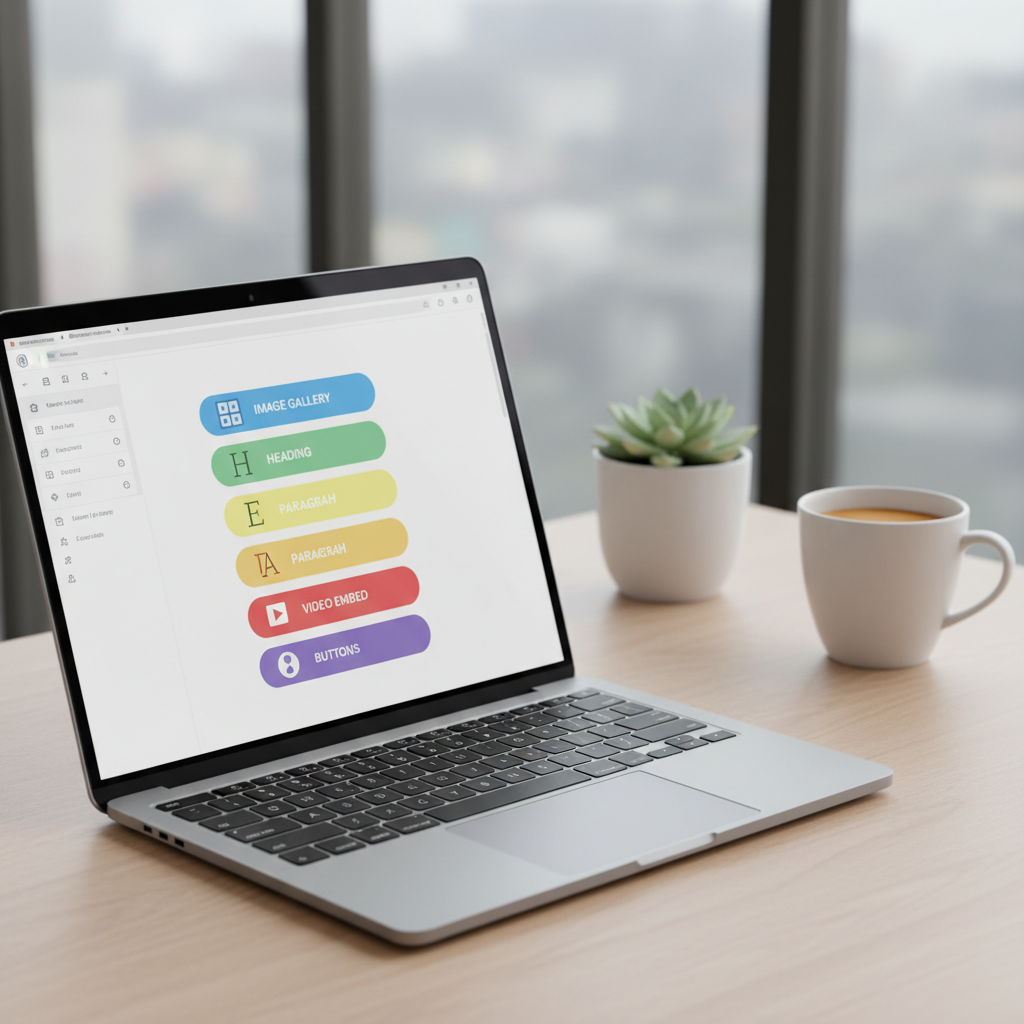
The WordPress Block Editor promises to revolutionize content creation but faces criticisms ranging from user experience to performance issues. Is it a step forward or a backward leap?
Every time I hear a statistic that makes me question everything I thought I knew, a part of me gets excited. When WordPress 5.0 launched in December 2018, the introduction of the Block Editor, widely known as Gutenberg, was heralded as a major shift in how we approach content creation. With over 82.7 million active installations logged, how many of those are happy users? It raises a question about whether this so-called ‘revolution’ is more of a regression.
Talking Points:
The hopeful promise of Gutenberg was that it could turn anyone into an editor without needing to dive into code. Imagine—you’re no longer shackled by the Classic Editor! You could create visually appealing layouts. With Gutenberg, you can stack paragraphs, images, videos, and even quotes in ways that were previously impossible for the average user. The dream was clear: make content creation intuitive and accessible. It felt like WordPress was finally leveling the playing field, opening doors for users of all technical backgrounds.
Talking Points:
But then came the backlash. The transition wasn’t seamless for everyone. Many users, myself included, found themselves grappling with a learning curve that made me question my own competence. The divisive sentiment within the WordPress community was palpable. Some argued for the nostalgia of the Classic Editor’s simplicity, while die-hards championed the ongoing evolution. We should not overlook the frustration expressed widely about how our trusted CMS fundamentally shifted overnight.
Talking Points:
Let’s be honest—what appears as user-friendly on the surface often conceals labyrinthine challenges. For newcomers, the Block Editor is both a playground and a puzzle. Those simple tasks we once accomplished with a couple of clicks now require trial and error. The user interface might dazzle initially, but unforeseen complications in positioning blocks or formatting can throw anyone for a loop.
Talking Points:
And let’s talk performance. As more users flocked to the Block Editor, the reports of sluggishness grew louder. For those of us managing large, content-heavy sites, a lagging editor can feel like dragging a boulder uphill. When every second counts—both for SEO and user experience—these slowdowns can feel like nails on a chalkboard. Is all that visual interactivity worth the potential drag?
Talking Points:
Now, let’s delve into compatibility. Remember the promise of Gutenberg? Yeah, well, that’s out the window when you realize many existing plugins and themes play nice with the Block Editor—like a cat and a dog at a dinner party. Developers, often pulling their hair out, are left juggling between adapting old themes and plugins or pushing users toward the latest and greatest innovations. This schism inevitably raises the stakes on whether the leap into the modern era will pay off or simply compound headaches.
Talking Points:
For developers, the Block Editor presents a genuine dilemma. Do you embrace this block-based framework wholeheartedly, or do you cling to user bases that feel unsteady on their feet? While some have created plugins that enhance the Block Editor’s capabilities, others choose to resist, aiming to preserve the familiar. An audience caught in the middle grows increasingly restless and wary.
Talking Points:
Looking ahead, what’s in store? WordPress can’t just rest on its laurels. Continuous development is vital, and we’ve seen efforts to improve Gutenberg. Many are cautiously optimistic, hoping it evolves into the user-friendly paradise it was purported to be. Yet, as frustration brews, we wonder whether we’re charting a course toward a more innovative future or sinking deeper into the stagnation of complicated interfaces.
As we sift through the aftermath of the Block Editor’s introduction, it’s clear that this ‘revolution’ poses both promise and peril. There are glaring pros and cons, and users around the globe find themselves at a crossroads. What does the future hold? Only time will tell if the Block Editor cements itself as a permanent fixture in our content management systems or if many will retreat to the safety of the Classic Editor. Join the conversation! Share your thoughts and experiences as the community navigates this evolving landscape!
1. What is the Block Editor in WordPress?
The Block Editor, introduced in WordPress 5.0, allows users to create and edit content using individual blocks for paragraphs, images, videos, and more.
2. Why do some users prefer the Classic Editor?
Many users find the Classic Editor easier for straightforward tasks due to its simplicity, experiencing frustration with the complexities introduced by blocks.
3. Are there any performance issues with the Block Editor?
Yes, users have reported sluggishness when using the Block Editor on larger, content-heavy websites, which can hinder productivity and affect user experience.
4. Can all plugins work seamlessly with the Block Editor?
Not all plugins have been updated for full compatibility with the Block Editor, which can cause functionality issues and conflicts in older themes.
5. What does the future hold for WordPress and the Block Editor?
The future remains uncertain, with ongoing developments aiming to enhance the Block Editor but also generating concerns about user adoption and retention.