Newsletter Subscribe
Join thousands of readers who get our Sunday Briefing: one email, five essential stories, zero fluff. Subscribe NOW!

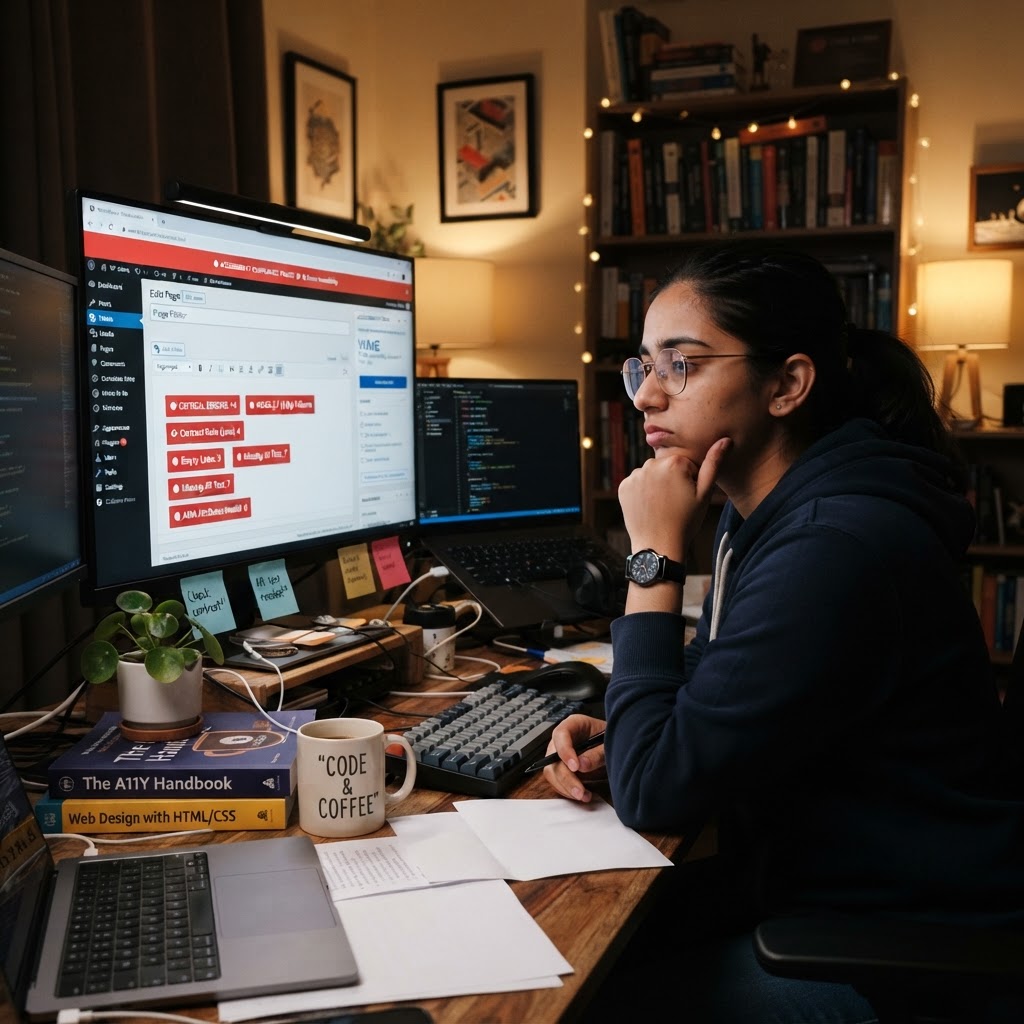
Automated accessibility plugins won’t fix your WordPress site. Let’s expose the truth about these quick-fix solutions that lead to legal woes instead of real inclusivity.
Talking Points:
You ever click a button and expect magic? You’re not alone. The idea that a simple “one-click” solution can magically turn your website into a paragon of accessibility compliance is both appealing and terrifying. I remember when I first stumbled across a WordPress accessibility plugin that promised full WCAG compliance. I thought, “Finally! My site will be accessible to everyone with a single click!” Spoiler alert: It was a disaster.
Rather than making my site a shining example of inclusivity, it merely highlighted the dangerous allure of automating accessibility. We have to face facts: relying on automated solutions can lead to complacency, lawsuits, and the very exclusion we’re trying to avoid. It’s a slippery slope, and we need to dissect this before more websites suffer the consequences.
Talking Points:
Let’s talk numbers for a second. According to industry research, automated accessibility tools detect only about 30% to 50% of compliance issues. Yeah, let that sink in. They can’t address how a color contrast ratio feels to the eyes or the experience of a user relying on a screen reader. That’s not a technology gap; that’s a breach of trust.
What’s even wilder? Around 42% of WCAG success criteria need a human touch. We’re not robots here; we’re people using our intuition, our empathy. If you think you can sit back and let a plugin fix your mess, you’re missing the point of accessibility altogether. No one wants a website that’s just technically compliant; we want it to be usable and welcoming.
Talking Points:
You’ve seen these overlays. Pop-ups that claim to make your site compliant in a snap! Many businesses swear by them, thinking it’s just a quick fix to an ongoing problem. But these third-party tools are often a mirage, not a solution.
Here’s the kicker: overlays sit on top of your website like a coat of paint hiding glaring structural flaws. They might make your site look “accessible,” but you’d better believe that serious issues remain underneath. To add insult to injury, the use of overlays has been known to invite legal scrutiny, with cases showing they’re not seen as a genuine commitment to inclusivity but rather a half-hearted effort. Studies show sites using them are targeted for lawsuits at rates equal to or higher than those without accessibility measures. It’s like waving a red flag to legal bull.
Talking Points:
Let’s not sugarcoat it: the stakes are high. While the allure of automated compliance lures you in, the harsh reality is that it doesn’t protect you from litigation. The ADA Title III brings serious repercussions for non-compliance, and relying solely on these tools isn’t a sufficient defense.
I once read about a company fined over $1 million after using an overlay provider that touted full compliance. Spoiler alert: it wasn’t, and that cost them dearly. Ignorance isn’t bliss here. Understanding the landscape of web accessibility legislation is not just wise—it’s essential.
Talking Points:
The numbers tell a compelling story. Tools can only catch about 30-40% of WCAG issues. That leaves a massive amount of potential problems waiting to be discovered—and it’s not just about detection. It’s about context!
For example, a screen reader may struggle with navigation if the semantic HTML isn’t structured properly. But guess what? Automated tools can’t assess context. Knowing how users interact gives a fuller picture. Trust me: getting a manual accessibility audit done is absolutely worth it. This is the difference between making your site technically compliant and creating a space that genuinely caters to all users.
Talking Points:
Every time I hear someone say, “I’ll use automation and call it a day,” I cringe. If we want real accessibility, it’s going to involve time, thought, and respect for the communities we wish to serve. Automated tools miss nuances—like how a color choice can impact a user with visual impairments.
Real testing with real users provides insights that no tool designed by coders can replicate. You need that immersive experience and perspective to shape a product that truly shines in usability. And that means being open to feedback, which can often feel uncomfortable but is crucial for fostering inclusivity.
Talking Points:
Before diving headfirst into accessibility audits, let’s lay a solid foundation. Start with the basics: using semantic HTML, applying ARIA roles, and ensuring that your color contrast ratio meets the necessary standards. Those fundamentals might sound simple, but they often get neglected in the heat of development.
Another tip? Regularly check your website against WCAG criteria early and often. Make these practices your default. It’s less about the plugins and more about a mindset—a culture of inclusivity built right into the fabric of your development process.
Talking Points:
Let’s face it: automated solutions are a band-aid on a far more significant issue. To truly be proactive in accessibility, you must develop a sustainable workflow that prioritizes it from the outset. Make audits part of your routine. Incorporate accessibility into your project plans as a non-negotiable item.
As developers, we must put intention first. Treat accessibility as a lived value, not an afterthought. Including user feedback in your iterative processes ensures real voices are informing your strategies.
Talking Points:
Let’s cut to the chase: choosing between cutting corners and doing the right thing is easy if you look at the long game. Sure, it might seem cost-effective to rely on those plugins, but when you face lawsuits or potential fines, you’ll wish you’d invested in a comprehensive strategy from the start.
Ethics aside, building an accessible website means more users and an improved user experience for everyone. Think about that—projecting respect for diversity ultimately leads to growth, not just a technical preference.
This should be crystal clear: relying on automated solutions to make your WordPress site accessible is a dangerous game. The tools might seem convenient, but they ultimately fail in the most critical area: human experience. Get serious about inclusivity, take the time for manual audits, and integrate empathy into every aspect of your web design.
Let’s work to create truly accessible spaces. It’s worth the effort, not just for compliance but for fostering a genuine digital community. What have your experiences been with accessibility tools? Share your stories below!
Q1: Can automated tools make my website fully compliant?
A: No, automated tools can only identify a subset of issues—typically around 30-50%—leaving significant gaps that must be addressed through manual methods.
Q2: What are accessibility overlays, and should I use them?
A: Accessibility overlays can create a false sense of compliance and often introduce new issues while failing to resolve existing structural barriers.
Q3: What is a manual accessibility audit?
A: A manual accessibility audit is a comprehensive review of a website, often involving real users to assess the site’s usability and compliance with WCAG standards.
Q4: How often should I check my site for accessibility issues?
A: It’s wise to conduct regular audits—ideally, at key project milestones and after significant updates or redesigns.
Q5: Why is empathy important in web design?
A: Empathy helps developers understand and address the unique challenges faced by users, ensuring that accessibility goes beyond mere compliance and creates genuine usability for all.