Newsletter Subscribe
Join thousands of readers who get our Sunday Briefing: one email, five essential stories, zero fluff. Subscribe NOW!

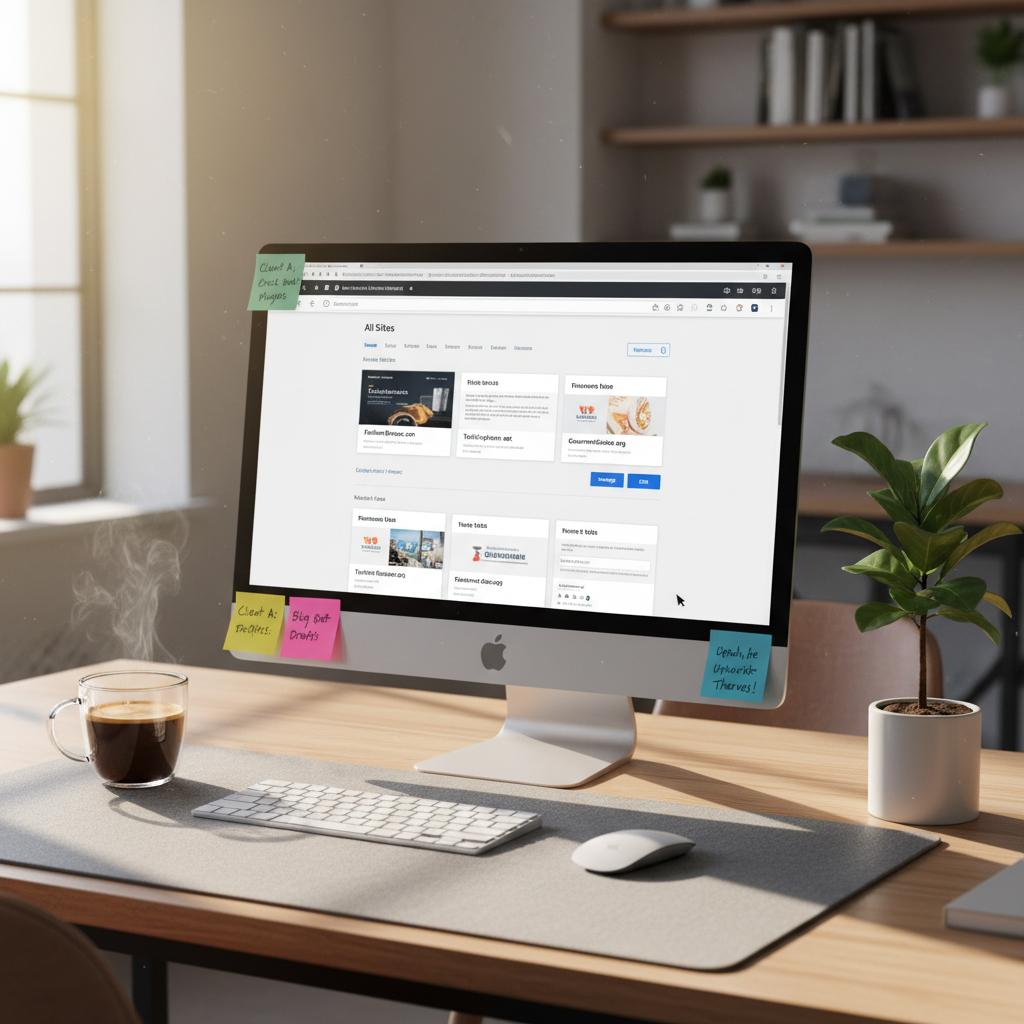
Managing WordPress Multisite isn’t just about centralized control; it's about navigating performance issues, security threats, and compatibility nightmares. This article critically examines the complexities of WordPress Multisite networks.
Just the other day, I found myself knee-deep in a mess of WordPress Multisite configurations. One site was caching like a toddler refusing their nap, while another spat out error messages as if the universe were conspiring against my sanity. Picture this: a single server, multiple sites, and the hope that it all holds together. Yet, many rush to set up a WordPress Multisite network without realizing the chaos that can ensue. Sounds familiar? Let’s chat about this illusion of simplicity.
Talking Points:
The first thought that comes to mind with WordPress Multisite? Centralized administration! Seems like a dream come true, right? But let me tell you, that optimism can quickly fade. You might think managing multiple sites from one dashboard would simplify life. Yet, with that supposed convenience comes a host of frustrations.
Every site has unique needs. Some require specialized plugins that simply don’t mesh well with the core WordPress Multisite setup. Imagine trying to shove a round peg in a square hole. Just doesn’t work! And the idea that every site will benefit from the same themes? Please! One size fits all only works if you’re a T-shirt.
Then there’s user role management. Sure, centralized controls sound great in theory, but they can quickly morph into a quagmire of confusion. A Super Admin might have control over the network, but it’s way too easy for a rogue Administrator to create chaos on their little fiefdom.
Talking Points:
Let’s be real: sharing resources is about as appealing as sharing socks. In a WordPress Multisite network, all sites tap into the same database and server resources. If one site goes viral overnight and experiences a surge in traffic, the entire network often suffers. Honestly, it’s like watching a slow train wreck.
Performance bottlenecks become your morning coffee’s worst enemy. Instead of sipping your brew, you’re left staring at loading screens while the entire network grinds to a crawl. So, optimization isn’t just a buzzword; it’s a daily necessity. You’ll find yourself tweaking code, optimizing databases, and praying to the WordPress gods for faster load times.
Talking Points:
Now, let’s talk about security. It’s no secret that a single vulnerability can compromise an entire network. One site with poor security measures can lead to disastrous consequences for all others. Every time I get a notification about a plugin exploit, I find myself ten seconds away from a panic attack.
The shared codebase means that if a plugin is vulnerable, every site using that plugin is at risk. It’s like setting up camp in the woods and forgetting to zip your tent—just invite the bears to the feast!
So, what can you do? Establishing best practices is imperative. Regular audits, strong passwords, and timely updates will become your mantras. Trust me, ignoring them is like leaving the door open when the pizza delivery guy shows up—it may seem tempting, but it rarely ends well.
Talking Points:
Ah, plugin management—if only it were as simple as flipping a switch! WordPress Multisite can feel like a game of compatibility whack-a-mole. Sure, WordPress plugins promise all the functionality you could dream of. Yet, when you roll them out across a Multisite network, you discover that many just don’t play nice.
Some may function perfectly on an individual site but crash spectacularly when installed on several. I’ve seen it firsthand: a favorite SEO plugin causing chaos among sites, leaving the Super Admin fishing for a fix.
Theme management can be equally frustrating. When you’ve got one theme trying to play nice with multiple sites, it often falls flat. Differences in the sites’ configurations lead to all sorts of aesthetic mishaps. Before you know it, your network looks like a jumbled mess of mismatched outfits.
Talking Points:
User role management is another wild card in the Multisite saga. Sure, the Super Admin holds the reins, but individual site Administrators often have limited power. It’s like giving someone a remote but not telling them they can’t change the channel. Confusion reigns when site functionality is limited.
At times, mismanagement can result in unauthorized access or accidental deletions. Picture it: a new Admin accidentally wiping out the wrong post because they didn’t quite grasp their role. Heart-stopping, right?
To sidestep these landmines, establishing clear roles is essential. Outline responsibilities and ensure everyone knows their territory. Trust me—carving out these boundaries and responsibilities saves a world of headache later on!
Talking Points:
Haven’t we all heard the adage about not putting all your eggs in one basket? Well, WordPress Multisite shoves all those eggs into a single giant basket—the centralized database. Over time, as sites grow and accumulate content, that basket can get dangerously close to bursting.
A bloated database is a performance killer. Not only does it slow down response times, but it also increases backup sizes, making life a whole lot harder. Regular maintenance isn’t optional; it’s a necessity if you want to keep everything running smoothly.
Don’t sleep on the power of database optimization tools. They can be lifesavers, helping to clear out old revisions and unnecessary data. Picture a spring cleaning session for your database.
Talking Points:
Backing up a WordPress Multisite network feels like preparing for a natural disaster. With everything connected, a network-wide failure can lead to chaos. Trust me, setting up a successful backup system is no small feat.
When disaster strikes, restoring a single site can be a breeze. But when you’re dealing with an entire network? It’s like trying to put the pieces of a jigsaw puzzle back in the box—with half of them missing.
Establish a regular backup routine to safeguard against these potential nightmares. And when you do restore? Be prepared for some hiccups along the way. It’s an adventure, that’s for sure!
Talking Points:
Centralizing content may sound like a win, but it can also lead to sticky situations. It’s efficient for making updates across all sites, sure. But it also raises the risk of redundancy. Duplicate content isn’t just a headache; it’s a minefield for SEO!
And let’s talk brand identity. A single voice may dilute what makes each site unique. Sure, the appeal of a uniform message is tempting. But “sameness” can bore audiences and dilute individual brand personalities.
If you choose to go the content syndication route, craft distinct voices for each site. Let them shine, rather than fall into a sea of one-size-fits-all content.
Talking Points:
Here lies the crux of managing a Multisite network: governance and identity. Establishing clear governance policies is vital to ensure a consistent experience across sites. Without it? You’re left with a haphazard mix of presentations, styles, and tones.
Maintaining a coherent identity is crucial. No one thrives in a disjointed family. Balancing independence with central oversight creates a constant push and pull, often testing the limits of your patience.
Striking this balance takes finesse, but it’s worth it for a united front across your network.
Talking Points:
So when should you genuinely consider a WordPress Multisite setup? A handy tool, it can be beneficial for businesses with multiple sites under one umbrella. However, not every business requires this elaborate structure.
Start by evaluating your needs. Are your sites similar or vastly different? A centralized setup might seem appealing but can lead to complexities that outweigh benefits. Just watch your workload turn from manageable to overwhelming.
Scalability is essential but so is navigating the potential complexity. Ask yourself: is this a fit?
Talking Points:
Managing WordPress Multisite networks isn’t for the faint of heart. It’s a journey fraught with pitfalls and challenges. Rethinking your approach while considering the unique needs of each site can lead to a more successful management strategy.
Before setting up a Multisite network, analyze whether the benefits justify the headaches. It takes hard work and dedication to maintain. But if you decide to proceed, solid governance, mindful administration, and a willingness to adapt will go a long way.
What’s your experience? Any hilarious missteps or frustrations to share? I’d love to hear your stories in the comments!
WordPress Multisite enables centralized management of multiple sites, simplifying updates for themes and plugins across all sites under one installation.
Yes, you can transform a single WordPress installation into a Multisite, but ensure you back up your data first to prevent loss during the switch.
Absolutely. A vulnerability in one site can affect the entire network since all sites share the same codebase. Regular updates and audits are crucial.
Consider optimizing your database, utilizing caching practices, and employing performance monitoring tools to identify bottlenecks and enhance speed.
If your sites serve vastly different audiences or require unique functionalities, managing multiple individual sites might be more effective than using Multisite.