








Newsletter Subscribe
Join thousands of readers who get our Sunday Briefing: one email, five essential stories, zero fluff. Subscribe NOW!

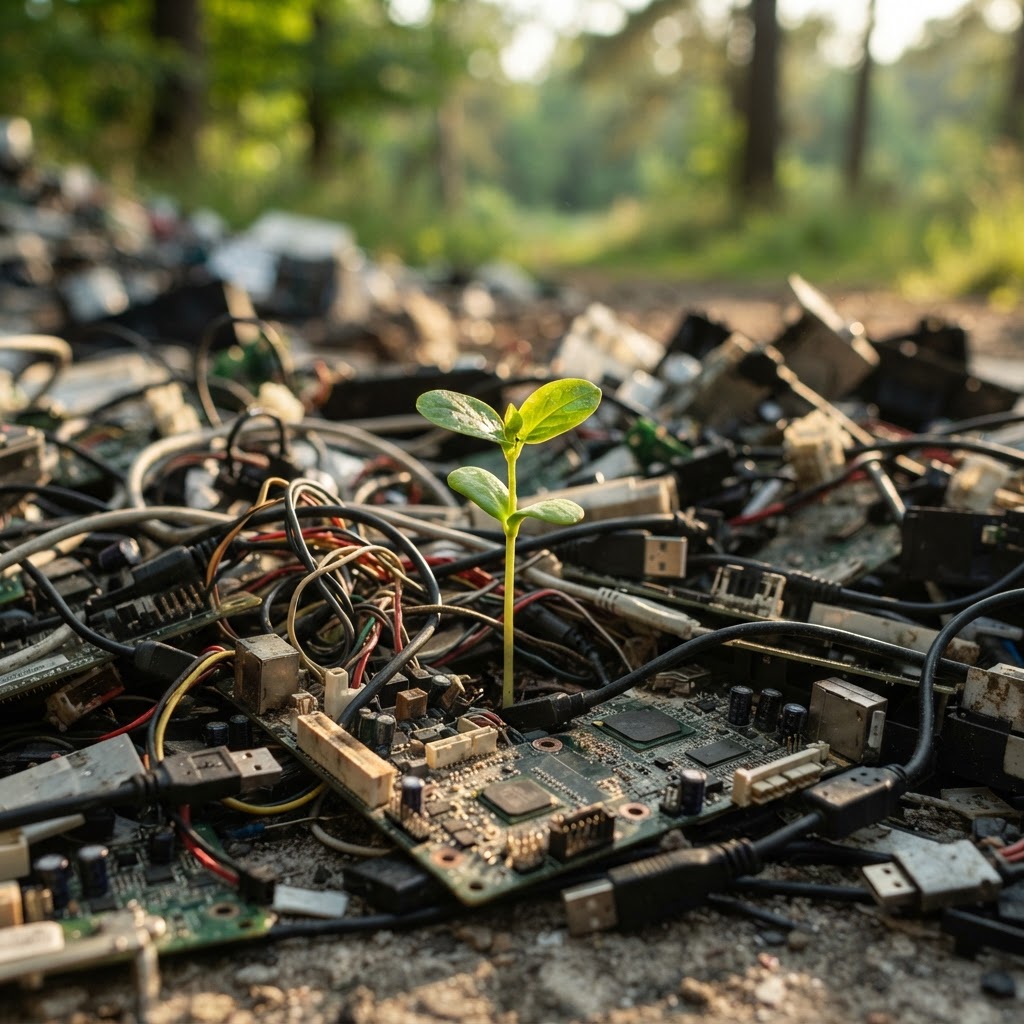
Is your WordPress site a hidden environmental disaster? Learn why bloated websites are polluting the planet and how you can optimize your code, images, and hosting for a truly sustainable web presence.
Talking Points: Internet carbon footprint statistics, environmental impact of web traffic, debunking the cloud myth.
Every time you hit refresh, a physical chain reaction starts. You might think your website lives in a magical, weightless ether called the cloud. It does not. Your site sits on servers that burn massive amounts of electricity. Global internet infrastructure generates roughly 3.7% of all greenhouse gas emissions. That is right on par with the entire aviation industry. My own early projects were massive disasters. I used to pack sites with high-resolution video backgrounds and heavy scripts without thinking twice. I thought bigger was better. I was wrong.
Data centers are thirsty, too. Some facilities gulp down 5 million gallons of water every day just to keep hardware cool. We pretend our digital presence is clean. It is not. We are building massive, invisible polluters. Web performance metrics tell us a lot about how people feel on a site, but they also tell us about the hidden power drain. If your page takes ten seconds to load, your server is working overtime. Your user’s device is chugging battery power to render that mess. This is the hidden cost of our digital ambition. We must stop ignoring the physical hardware behind our pixels.
Talking Points: WordPress market dominance, the problem with bloated themes, impact of excessive feature sets.
WordPress runs over 45% of the web. That makes it a massive factor in our collective digital carbon footprint. I see people install “everything” themes daily. These monstrosities come pre-packaged with features nobody needs. They have heavy sliders and bloated frameworks. They force every user to download massive files just to view a simple contact form. This is poor sustainable WordPress design at its peak. We are prioritizing developer convenience over the health of the planet. I once helped a client prune their site. We moved from a bloated theme to a lightweight custom build. Their page weight dropped by 70%. Their server load plummeted. Their users stayed longer, too.
Sustainable web development is not a trend. It is a necessity. WordPress can be fast. It can be clean. But you have to strip out the junk. If you are using a page builder that generates thousands of lines of messy code for a single headline, you are failing. You are forcing the browser to do unnecessary work. Efficient database queries are a starting point, but the theme is usually the biggest culprit. Stop buying themes that promise the moon. Most of those extras just sit there, draining resources. A clean, custom setup is almost always superior to a pre-built theme packed with bloat. Your visitors will notice the speed. The planet will notice the reduced energy consumption.
Talking Points: Convenience versus conservation, habits of modern development, consequences of unmanaged feature creep.
We love features. We add them because we can. I have been guilty of this for decades. “What if we add a chat widget?” “Maybe a carousel for testimonials?” It feels productive. It is actually just laziness. We add plugins to fix things we should have coded correctly in the first place. We keep adding weight to our sites like we are hoarding digital junk. This leads to massive performance issues. A 100ms delay can kill your conversion rates by 7%. But we rarely talk about the environmental cost. Each extra script is another request the server handles. Another kilobyte the user downloads. It all adds up to a mountain of waste.
Bloatware elimination requires discipline. You have to say no to features. If a plugin does not bring value to the reader, delete it. If you can write a simple function instead of installing a library, do it. I stopped using heavy icon libraries years ago. I use lightweight SVG files now. Small changes scale when you apply them to hundreds of pages. Developers keep picking the easy path. They rely on bloated libraries to save time. It costs us the efficiency of our web architecture. We must shift our mindset. We should build for longevity and resourcefulness, not just quick releases.
Talking Points: Low-carbon digital design, page weight reduction, user-centric efficiency.
Sustainable web development starts with the basics. Do we really need that video that auto-plays? Probably not. Low-carbon digital design is about removing friction. You want the user to find what they need with minimal data transfer. Start with your images. Use WebP or AVIF formats. These can shrink file sizes by up to 50% without losing quality. That means less data traveling through transmission networks. Those networks account for 24% of web-related energy consumption. Keep your page weight down to make a real difference.
Server-side rendering is your friend. It prepares the content before it hits the browser. This saves the user’s device from doing the heavy lifting. That matters because end-user devices account for over half of total web-related energy use. We need to be mindful of how our code behaves on a slow phone in a bad signal area. That is user-centric efficiency. I focus on core content first. Anything else is an accessory. If a script does not improve the reader’s experience, it is just noise. Cut the noise and watch your site become a better citizen of the web.
Talking Points: Computational cycles as energy, API request minimization, code refactoring.
Every line of code consumes energy. It takes electricity to execute a function. It takes power to transmit that request. When you write inefficient loops, you are burning coal. We need to embrace energy-efficient coding practices. Refactor your code to do less. Do not run processes that don’t need to run. If you are using APIs, minimize the calls. Cache everything you can. I spent a week refactoring a site’s main menu. I reduced the DOM depth significantly. The result was a faster site and a happy server. The browser stopped struggling to find elements. The CPU work was halved.
Resource consumption tracking is vital. You should know exactly what your site is doing. If you are not measuring, you are guessing. Use tools to see what is firing on your page. Remove the junk that fires but never appears. I often see scripts meant for tracking or ads that never even load for the user. They still consume energy on the initial page load. Clean up your code. Every millisecond of processing time you save is a win for the environment. Stop wasting the planet’s resources on bad logic. Keep your code lean and your server cool.
Talking Points: When to delete plugins, green web hosting, myths of carbon neutrality.
Plugins are the easiest way to ruin a site. They often do five things while you only need one. That is four things too many. Every plugin adds its own CSS and JS files to the queue. Check your plugin folder. How many of those are truly necessary? I aim for fewer than ten plugins on any site. It is a hard limit that forces better design choices. If I cannot do it with a core function, I should question if I really need it. This simple constraint improved my development game immensely.
Hosting is the other half of this fight. You need to stop settling for cheap, dirty energy. Look for providers that focus on green web hosting. These companies commit to renewable energy sources for their data centers. However, do not fall for the greenwashing traps. A host using wind energy does not excuse a 5MB website. You still have to do your part by building efficiently. Carbon-aware computing is a choice. You can pick partners who care, but you must still minimize the energy demand of your build. Be the standard-bearer for quality in your niche.
Your digital footprint is real. It takes space, water, and power. WordPress gives us the tools to build, but it does not tell us how to build ethically. You have to take that responsibility. Stop greenwashing your site with empty claims. Build for longevity. Strip the excess, optimize your assets, and choose partners who respect the environment. Your users will appreciate the speed. The planet will appreciate the silence of a server that isn’t working overtime. Let’s make the web a little lighter, one site at a time. What is the one thing you can remove from your site today to save energy? Let me know in the comments.
1. Question: Is it possible for a WordPress site to be carbon neutral?
Answer: No site is truly carbon neutral because hosting and user devices always consume energy. However, you can significantly reduce your impact through efficient design and renewable-powered hosting.
2. Question: Does optimizing my site actually save energy?
Answer: Yes, smaller page sizes and fewer code requests directly lower the computational work required by both servers and user devices, resulting in measurable energy savings.
3. Question: Should I remove all my plugins to improve sustainability?
Answer: Not necessarily, but you should audit them. Remove any that are redundant or heavy, and favor themes that don’t rely on massive plugin ecosystems.
4. Question: Why are images such a large part of my carbon footprint?
Answer: Unoptimized images are often the heaviest elements on a page. Using modern formats like WebP or AVIF reduces the data transferred, saving energy at every point of the connection.
5. Question: Does a faster loading site always mean a greener site?
Answer: Generally, yes. Speed is usually a result of efficiency. Fewer requests and less data transfer translate to less energy consumed during the entire delivery and rendering process.





