








Newsletter Subscribe
Join thousands of readers who get our Sunday Briefing: one email, five essential stories, zero fluff. Subscribe NOW!

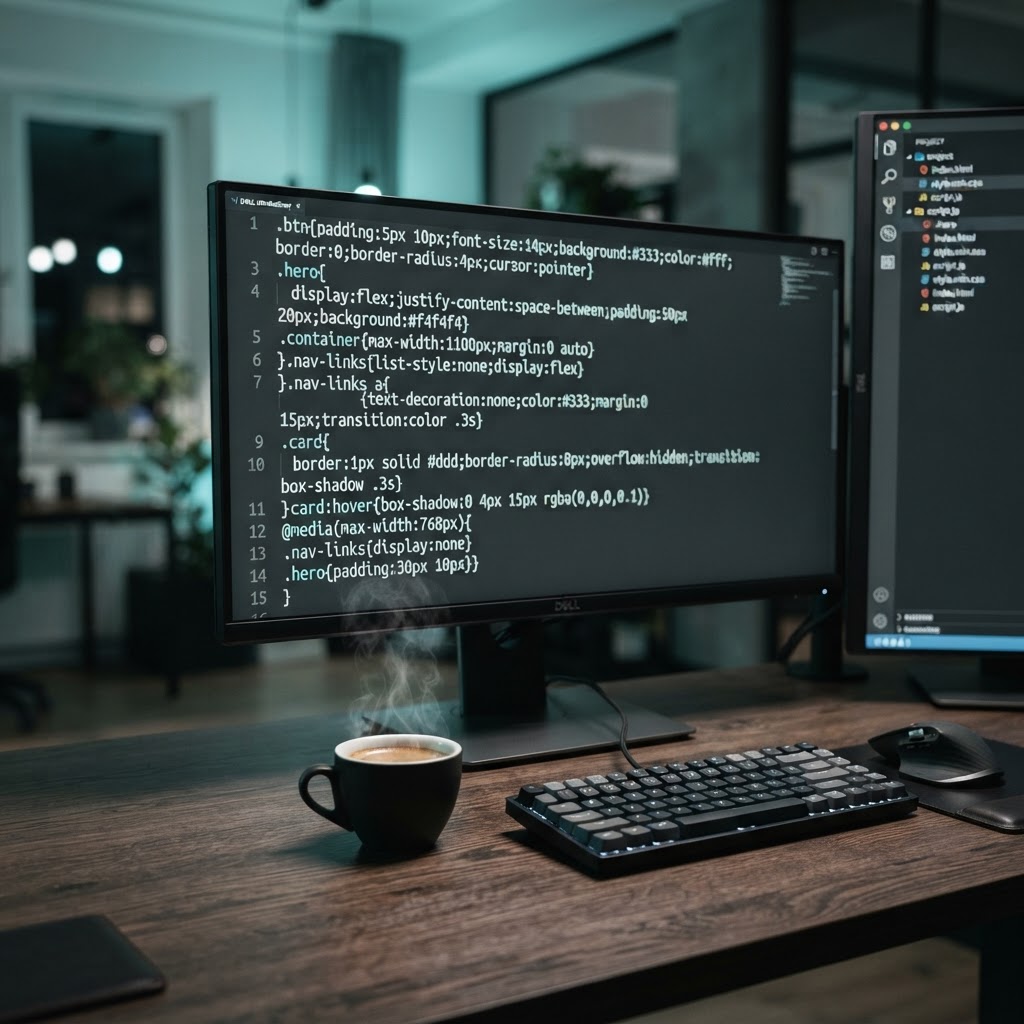
Ditch the performance plugins. Learn how manual CSS/JS minification can help you build a faster, more reliable website by taking control of your assets.
Every second counts. A one-second delay in page load time can drag your conversion rates down by 7%. Yet, I see site owners drowning in plugins, hoping a “one-click” fix will magically solve their performance issues. Spoiler alert: it never does. You aren’t fixing your site; you’re just piling on more dead weight.
Talking Points:
I once inherited a site that had thirty-five active plugins. The owner claimed it was for “optimization.” The load times were abysmal, hovering near six seconds on a decent connection. Every plugin you install is a liability. They pull in libraries you don’t need and bloat your database with junk settings.
Most people reach for a plugin because they are afraid of code. It is an honest fear, but it is holding your site back. When you rely on runtime tools to fix assets, you are paying a performance tax on every page view. Stop adding layers of complexity to hide poor foundation work.
Talking Points:
There is no such thing as a free lunch in web development. “One-click” performance plugins work by intercepting requests, processing your CSS and JS on the fly, and serving them back. This uses server CPU cycles that could be spent serving your actual content.
I learned the hard way that these tools love to break things. One update, and your carefully crafted contact form stops working because the plugin decided to mangle its JS. You end up wasting hours hunting for the bug while your traffic suffers. It is amateur hour, and your visitors know it.
Talking Points:
CSS/JS minification without performance plugins starts with a clear view of what the process actually does. It is not just about deleting spaces or line breaks. It is about restructuring your code for browser parsing efficiency. When you perform manual code optimization, you gain control over what gets sent to the user.
True minification keeps your files lightweight by renaming local variables and removing comments. It is a one-time operation. You do it once during your development cycle and serve the static, optimized file forever. This is how you win the performance game. You stop forcing the server to think about your code and start serving files as intended.
Talking Points:
Serious developers use build tools for web performance. Vite, Webpack, and Gulp are not just for Silicon Valley giants; they are for anyone who wants a fast site. These tools allow you to manage your assets in a readable way while spitting out production-ready files in seconds.
I remember my first time setting up Gulp. It felt like overkill, but the payoff was huge. My CSS files went from 400KB to 60KB. My site felt snappy, and the server load dropped significantly. You stop relying on plugins and start relying on a professional workflow that actually delivers results.
Talking Points:
Using a build tool changes how you think about your code. You write clean, modular JS and let the tool handle the bundling and minification. It keeps your development process tidy and your production site lean. These tools provide a consistent way to remove render-blocking resources without guessing.
Need to update a style? Change your source file, run the build command, and upload the new assets. It is clean and predictable. When you manage assets this way, you avoid the unpredictable nature of runtime plugins. You get control, and your site gets speed.
Talking Points:
Sometimes, you do not need a build tool for everything. Nginx and Apache can handle static asset compression with the right modules. By offloading these tasks to the server level, you remove them from your application logic entirely.
It is like clearing the traffic before it even reaches your front door. Configuring Gzip or Brotli at the server level is a standard practice for lightweight website architecture. Do not let your CMS try to do the server’s job. Keep your application focused on logic and your server focused on speed.
Talking Points:
Minification can go wrong. If you remove critical punctuation, your entire site breaks. This is why you need a testing phase before pushing changes live. Always test your minified assets in a staging environment that mirrors your production setup.
Source map management is your safety net. It allows you to debug your site even when the browser is reading minified code. If you skip this, you are flying blind. I have spent many late nights debugging live code that looked like a bowl of alphabet soup. Use source maps, and keep your sanity.
Talking Points:
If you have a massive enterprise site, maybe you need automated build pipelines. If you have a small portfolio site, a simple minification task via a command-line interface might be enough. Choose the tool that fits your current setup, not the one that promises the moon.
I often see people over-engineering their site with complex build systems when a simple script would do. Keep it simple. If you can automate the process without the baggage of a heavy plugin, do it. Your goal is always the same: a lean, fast, and stable site.
Talking Points:
PageSpeed Insights is a good starting point, but it is not the judge and jury. Real-world users care about interactivity and visual stability. Check your console for errors, inspect your network tab for huge file sizes, and verify your cache busting logic.
Did your site load correctly on a mobile network? That is the test that matters. I always check my sites on an old, slow Android device just to see how they behave. If it feels fast there, you have done your job well.
Performance is a craft, not a plugin setting. You are the architect of your site, so start building like one. Abandon the “one-click” crutch and learn the tools that actually define how your site behaves. When you strip away the bloat and manage your own assets, you are no longer at the mercy of black-box software. You have a lean, professional codebase that respects your users’ time. Stop waiting for a plugin to save you. Open your terminal, get your hands dirty, and take back control. What has your experience been with plugin bloat? Share your stories and your favorite build workflows in the comments below.
1. Question: Is manual minification worth the time for a small blog? Answer: Absolutely. Even a small site benefits from a professional workflow, as it teaches you about performance and prevents future plugin-related headaches.
2. Question: Can I use build tools if I am on a shared hosting plan? Answer: Yes, because you run build tools locally on your computer. You only upload the resulting static files, which actually makes your site easier for low-end hosting to serve.
3. Question: What is the biggest risk when minifying CSS and JS manually? Answer: The main risk is breaking functionality due to aggressive minification settings or incorrect asset bundling. Always test your site thoroughly in a staging environment before deploying.
4. Question: Do I need to be a developer to use build tools like Vite or Gulp? Answer: Not necessarily, but you need to be comfortable using a command line. The initial setup takes some learning, but the long-term benefits for your site speed are worth the effort.
5. Question: Why not just use a CDN that offers automatic minification? Answer: CDNs can help, but they don’t solve the underlying problem of bloated source code. Managing your assets properly from the start ensures your site is performant regardless of which network handles the delivery.





