Newsletter Subscribe
Join thousands of readers who get our Sunday Briefing: one email, five essential stories, zero fluff. Subscribe NOW!

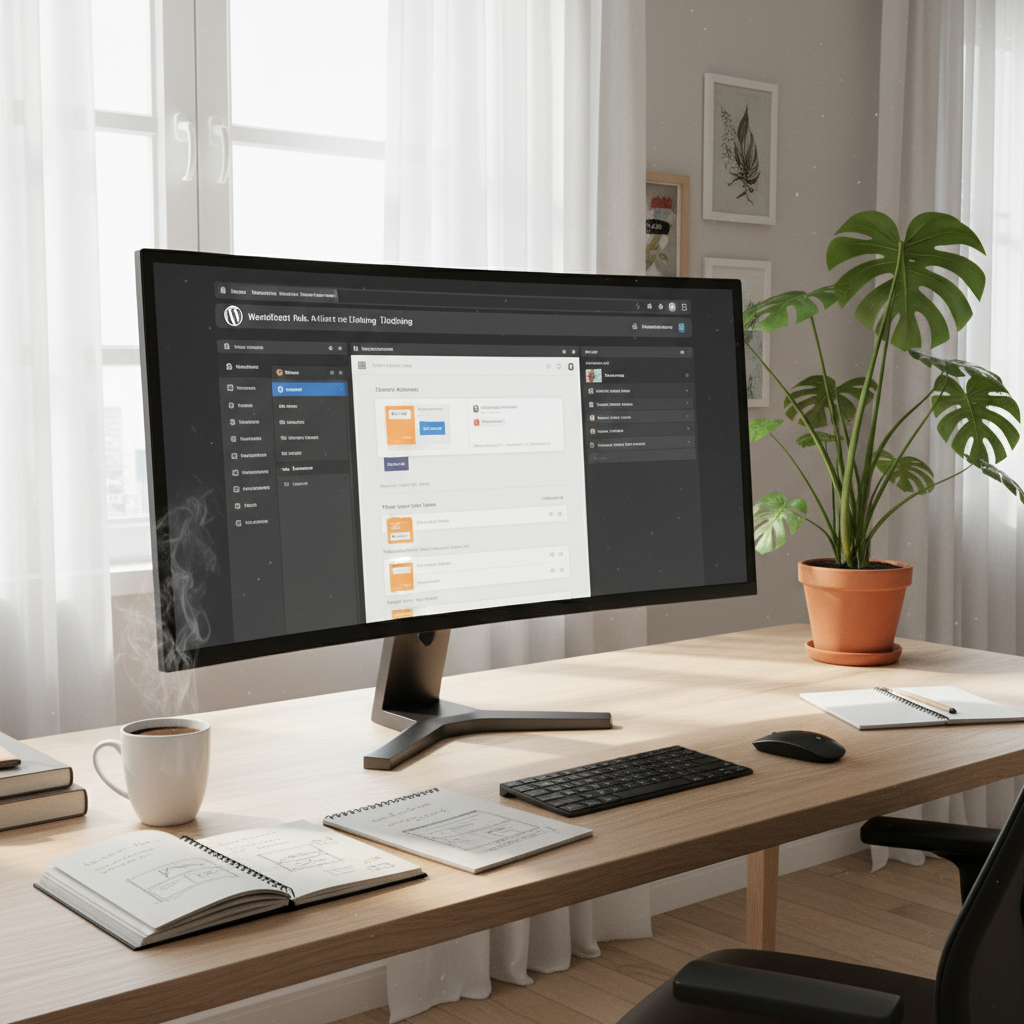
Explore the evolution of WordPress development, from Full Site Editing to seamlessly deploying your site while ensuring optimal performance and security. Dive into essential features like block themes and best practices for a successful launch.
So, the other day, I was chatting with a fellow developer. We were reminiscing about the days when building a WordPress site felt like piecing together a jigsaw puzzle—numbered pieces, missing parts, and a fair share of squinting at the box for guidance. Fast forward to the present: we’re in a world where WordPress offers full site editing (FSE), and suddenly, that obscure puzzle is more like paint-by-numbers! Who knew?
Full Site Editing isn’t just a buzzword; it’s a radical shift in how we build and manage our sites. For people who enjoy a hands-on approach, it’s liberating. You’re no longer stuck relying on clunky page builders or coding just to tweak sections. Instead, it all revolves around block themes and the nifty Site Editor that allows for incredible flexibility. But here’s the kicker: with this newfound freedom comes responsibility—especially when it’s time to deploy your site.
Let’s jump right into this.
Talking Points:
Full Site Editing, introduced in WordPress 5.9, allows you to mold every corner of your website visually. The most critical component? You guessed it: block themes. Instead of digging through theme files, you can customize everything, from headers to footers, entirely within the Site Editor. That means no more wrestling with PHP or CSS just to get your point across visually!
The benefits are sky-high. FSE democratizes design. Even the least tech-savvy among us can have an eye-catching site without sacrificing functionality. Why? You get a consistent look and feel, thanks to global styles. Your design is no longer just a collection of thoughts but a coherent narrative articulated through your website.
Talking Points:
Block themes are the backbone of this transition. They work seamlessly with the block editor, enabling users to combine various elements creatively. But don’t expect this to be just like past experiences with the classic editor! The Site Editor is your new best friend. It’s a one-stop shop for managing templates, pages, menus, and even sections of content easily.
Imagine setting up a site-wide menu or altering the appearance of your footer in real-time. With just drag-and-drop edits, you can create engaging layouts without pulling your hair out. It’s not all rainbows, though; the transition period can be rocky, and you may find yourself frustrated as you untangle old habits from the classic era. But trust me, perseverance pays off.
Talking Points:
Let’s get practical: Global Styles bring an unprecedented level of consistency. This feature allows you to define default colors and typography site-wide. Gone are the days of checking multiple pages to ensure you’ve adhered to your brand style. One change propagates throughout your site like a well-oiled machine.
The `theme.json` file allows deeper customization by defining settings for color palettes, font sizes, and layout features. You can implement changes without digging into the code, making design alterations feel almost like playing with a LEGO set. Just remember to keep a backup of your original theme configuration; it’s easy to get carried away with all this newfound power!
Talking Points:
Alright, let’s talk deployments. It’s the final stretch, and getting it right counts! A solid deployment strategy is your safety net. Many developers overlook this in the excitement of launch day.
Trust me, deploy a site hastily, and you might find yourself scrambling to fix broken links or layouts. Always run through a checklist: is your version control in place? Has every feature been tested in a staging environment?
Talking Points:
Let’s not kid ourselves; code tends to evolve, and not always for the better. That’s why a solid version control system, like Git, is indispensable. Picture this: you’re knee-deep in customizing a plugin, and something goes awry. Without version control, you risk losing all those tweaks.
Git allows you to create branches for new features, document changes, and document fixes easily. And if you find that one of those changes causes more harm than good? You roll it back effortlessly before disaster strikes.
Talking Points:
Before live deployment, it’s essential to test changes in a staging environment. Think of a staging site as your practice arena—where mistakes can be made without the risk of public ridicule.
Setting up a local development environment is easier than ever. Tools like Local by Flywheel or DesktopServer allow you to create clones of your site with a few clicks. Test new features, updates, or customizations in this safe bubble. If something goes sideways? No big deal. Tweak and revise until successful.
Talking Points:
If you want to streamline your deployment process, continuous integration and continuous deployment (CI/CD) are your best friends. These approaches help you automate the entire development pipeline and reduce human error.
Consider utilizing tools like CircleCI or GitHub Actions to test and deploy changes automatically. Run tests on code push, and if everything checks out, dependably transfer those changes to your live site without a hitch. Sounds like a dream, right? I can assure you, it makes those late-night deployments way less stressful!
Talking Points:
Let’s not ignore site performance and security. In an age where first impressions last, a slow website can drive visitors away faster than you can say “bounce rate.” Plus, poor optimization affects your SEO—something no developer can afford to overlook.
Incorporating performance optimization techniques like caching, minifying CSS and JavaScript, or using Content Delivery Networks (CDNs) can dramatically enhance load times. And speaking of security, ensure you’re using updated plugins, implementing SSL certificates, and backing up your database regularly. Trust me, taking these precautions will save you from future headaches.
Talking Points:
Deployment isn’t just about going live; it’s about being seen. Search Engine Optimization (SEO) should be woven into your deployment plan from the get-go. Don’t just throw up pages and hope for the best; structure your content thoughtfully.
Common pitfalls include neglecting key phrases or failing to optimize alt text for images. Make sure to run an SEO audit before hitting that launch button to ensure your site is perfectly fine-tuned.
Talking Points:
Here’s the truth: a slick design is pointless if the user experience is lacking. A seamless UX makes visitors want to stick around. After deployment, don’t just sit back. Actively seek feedback from users. It’s your best bet for refining your site.
Using analytics tools, track user behavior—where they click, how they navigate, and their overall experience with the site. Revise based on this data. You’ll find that a perennially improving website will keep users happy and returning.
Developing and deploying a WordPress site is more than just a checklist. It’s an art form, an intricate dance between design, functionality, and performance. With Full Site Editing and its vast possibilities, the layout can be as breathtaking as it is functional.
So, as you approach your next deployment, consider this: plan meticulously but also remain flexible. Don’t shy away from adjusting based on user feedback or analytics. Have you had successes or failures with your deployment process? I’d love to hear your experiences in the comments below. Let’s keep learning together!
What is Full Site Editing in WordPress?
Full Site Editing (FSE) is a feature that allows users to edit all parts of their website using the block editor, making it easier to customize layouts without coding.
What are block themes?
Block themes are specially designed for Full Site Editing, enabling compatibility with block-based editing and allowing greater customization of site parts like headers and footers.
Why is a staging environment important?
A staging environment allows for testing changes and features safely before going live, helping catch errors and ensuring site stability.
How can I optimize my site for SEO during deployment?
Ensure all content is optimized with key phrases, alt text for images, and that the site is structured for good user experience to improve visibility on search engines.
What tools can I use for performance optimization?
Consider using caching plugins, CDNs, and performance-monitoring tools to keep your site running smoothly and efficiently.