Newsletter Subscribe
Join thousands of readers who get our Sunday Briefing: one email, five essential stories, zero fluff. Subscribe NOW!

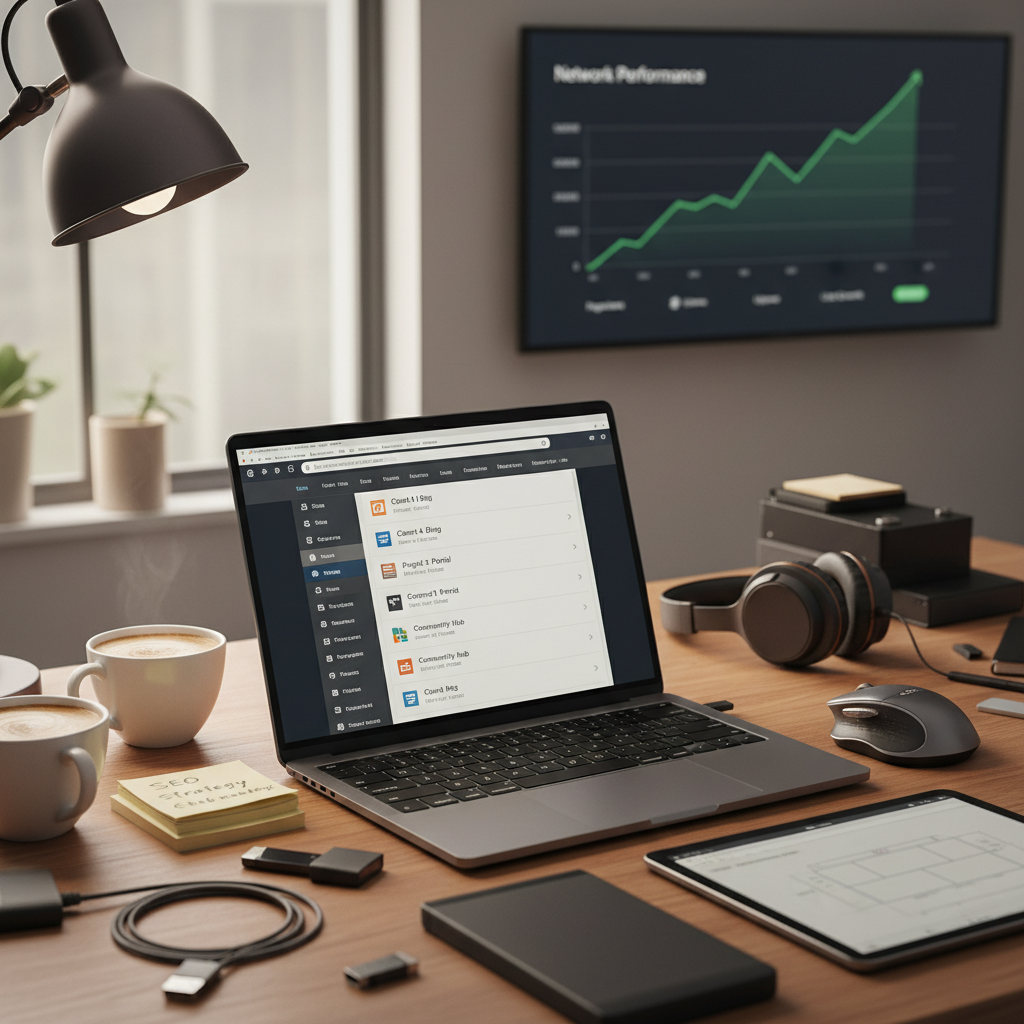
Explore the unfiltered truth about WordPress Multisite management. Discover its hidden risks, performance pitfalls, and best practices to ensure a hassle-free experience.
Introduction: The Allure and Reality of WordPress Multisite
Once, while setting up my own WordPress site, I stumbled upon the concept of Multisite. Like a moth to a flame, I was drawn in by promises of centralized control, simplified management, and seamless updates. I thought, “Why manage ten separate sites when I could manage them all from one dashboard?” My excitement, however, quickly revealed its flip side. Sure, it’s convenient, but there’s a hefty price to pay.
When considering WordPress Multisite management, it’s crucial to weed out the hype from the truth. The shiny exterior of ease and efficiency hides potential performance pitfalls and security vulnerabilities that can easily derail your online presence.
Let’s break down the complexity of WordPress Multisite.
Talking Points:
Think of WordPress Multisite as a way to oversee multiple sites from a single WordPress installation. You can share code and resources, streamline user management, and administrate across domains. It sounds seamless, doesn’t it? But the reality is a little murkier.
In theory, it alleviates the headache of daily maintenance—updates, backups, and security scanning—but it’s a centralized system that can easily tip into chaos if mismanaged. You could lose everything if just one site goes down. That’s a risk that many tend to overlook.
Talking Points:
Sure, administering multiple sites from a single dashboard is like herding cats with one leash—convenient! But, here’s the kicker: you’re only as strong as your weakest link. If one site crumbles due to a plugin issue, it could take the whole network with it. Centralized permissions can also become a control nightmare. If users have too much power, one wrong click could wreak havoc on multiple sites. Keeping user permissions strictly defined is critical, yet often overlooked.
Talking Points:
The thrill of managing multiple sites can quickly turn sour when a traffic spike on one site sends the performance of all your sites crumbling. Sharing server resources is like sharing a pizza; eventually, you’ll run into a piece that just doesn’t cut it. I once faced that frustrating moment when a sudden surge in my site’s traffic led to a crippling slowdown of every other site on the network.
When this happens, it’s essential to optimize databases and keep an eye out for plugin conflicts. Remember: what works for one site may not resonate for all.
Talking Points:
Security is non-negotiable in the digital world. Imagine discovering that a vulnerability in one site could compromise the entire network! That’s a harsh wake-up call. With all sites sharing core files, one crack in this foundation can bring it all down.
To combat this, regular updates are necessary—but also risky, especially in a Multisite environment. Patch one site; you may inadvertently break another. Adopting a rigorous security protocol and conducting comprehensive security audits is vital.
Talking Points:
Much like trying to squeeze a growing family into a one-bedroom apartment, scaling up your WordPress Multisite can become problematic. All sites share the same resources, leading to scalability complications as each site grows and has its own set of requirements. I learned this the hard way—what started as a simple blog turned into a Florida-sized website that needed more than I could offer from a basic shared hosting plan.
Identifying server limitations early is essential. If members start complaining about loading times or downtime, it’s time for an upgrade.
Talking Points:
To survive in the world of WordPress Multisite, develop best practices like you would in any workplace. Regular updates, compatibility checks on plugins, and clean theme management keep unexpected headaches at bay. Trust me; the last thing you want is a plugin that works well on one site but crashes another. Having multiple instances of the same theme could become a management nightmare too, as differing versions could lead to inconsistencies across your sites.
Talking Points:
So, is WordPress Multisite worth the hype? Well, it’s a mixed bag. If your sites share a core purpose and audience, and you’re prepared to take on the associated risks, then sure, it can save time and resources. However, if you’re simply looking for a quick fix that promises ease, think again. The reality is far more complex.
The bottom line? Ensure you’re equipped with knowledge and a proactive strategy to mitigate risks, lest you find yourself at the mercy of your network. Using WordPress Multisite can be an intelligent choice for the right reasons, but it’s definitely not without its pitfalls.
WordPress Multisite is a feature that allows you to manage multiple WordPress sites from a single installation, sharing code and database resources.
Yes, a single plugin update can impact all sites in the Multisite network, potentially causing issues across the board. It’s essential to test updates in a staging environment first.
When one site experiences high traffic, it can strain shared resources, leading to slow loading times or outages for all sites in the network.
One site’s vulnerability can compromise the entire network because all sites share the same core files, highlighting the need for rigorous security measures.
Regular updates, plugin compatibility checks, and strict user permissions are key best practices that can help avoid problems in a WordPress Multisite setup.