








Newsletter Subscribe
Join thousands of readers who get our Sunday Briefing: one email, five essential stories, zero fluff. Subscribe NOW!

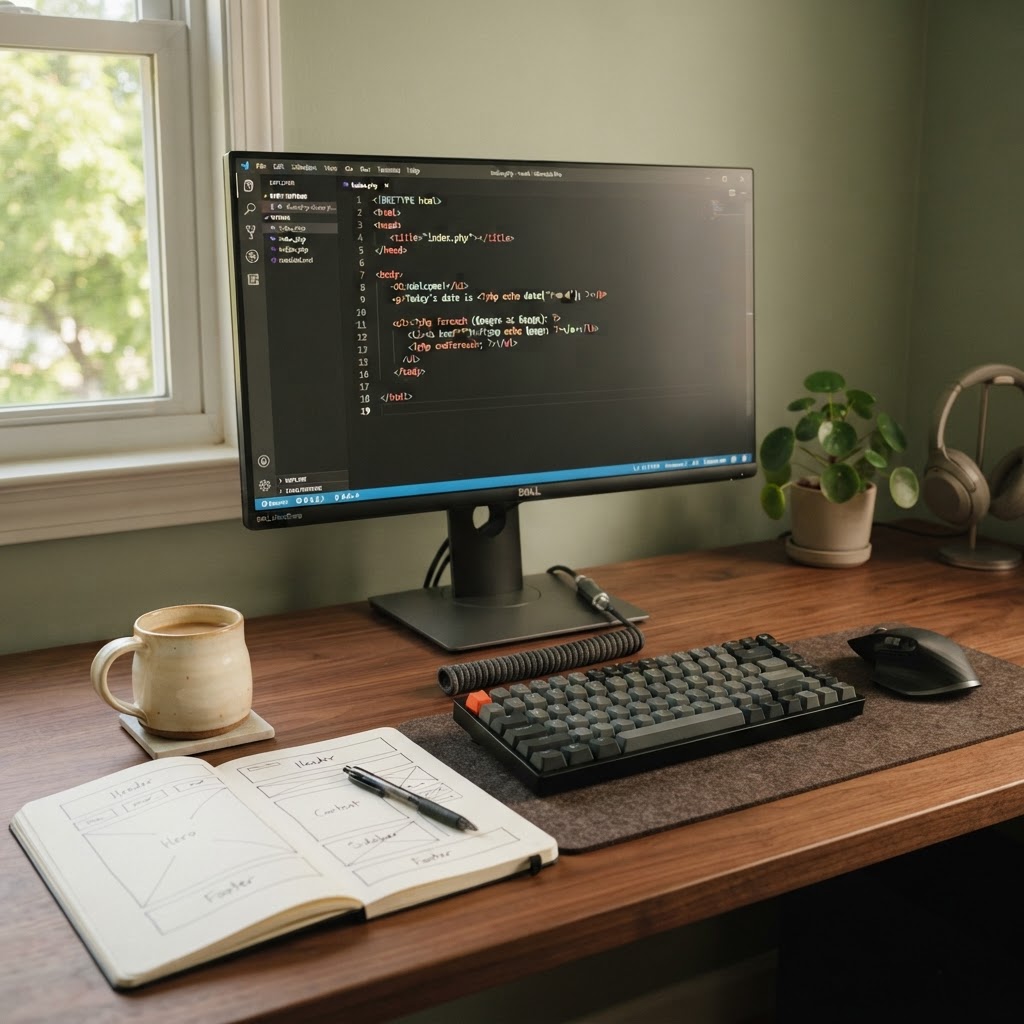
Stop over-engineering your WordPress site. Discover how to build efficient, performant Gutenberg blocks using native PHP and skip the React madness.
WordPress currently runs 43% of the web. Yet, we act like every tiny widget requires a full-scale engineering degree. I remember staring at my screen five years ago, trying to build a simple author bio box. I spent three days fighting build pipelines just to display a name and a photo. It was ridiculous. We have been sold a bill of goods regarding modern development, and it is time to stop buying it.
Talking Points:
We love to over-engineer things. It feels like real work, doesn’t it? We stack libraries upon libraries, watching our terminal windows crawl while our computer fans scream. It is a slow, expensive disaster. Most websites do not need an application layer. They need content. When you add layers of complexity, you just add failure points. Keep it lean.
Talking Points:
Every tutorial screams that you must know React to build for Gutenberg. It is a lie. React is a tool, not a religion. When we force every block through a JavaScript pipeline, we trade speed for status. I stopped caring about what is trendy years ago. I care about what works. You do not need a state machine to render a static paragraph.
Talking Points:
The block lifecycle is just a fancy way of saying “input to output.” Your editor experience matters, but the user experience on the front end matters more. If you can define your block via PHP, you save everyone a headache. Why compile assets when the server can just talk to the database directly? Efficiency is king. Efficiency is simple.
Talking Points:
Dynamic blocks are my favorite secret weapon. Instead of saving a mess of HTML into your database, you save the logic. When a page loads, WordPress runs that logic. This keeps your database clean and your content fresh. No more broken static blocks after a template change. It just works, every single time.
Talking Points:
You do not need Node.js to build a professional site. I prefer a simple text editor and a clear directory structure. No build steps. No packages to update. No “dependency hell” that breaks your site overnight. It is liberating to just write code. It is even better when that code remains readable for a decade.
Talking Points:
Registering a block is a three-part harmony. First, you create your block.json file. It is just clean, descriptive JSON. Then you use the register_block_type function in your functions.php or a custom plugin. Finally, you point to a render callback. That is it. No build system. No complex JavaScript. It is pure, clean WordPress.
Talking Points:
We tend to overcomplicate state. We want “reactivity” everywhere. But your content is mostly static. By using post meta, you keep your data portable. It is easy to query and easy to change. Stop trying to store everything inside the block blob. Keep your metadata separate. Your future self will thank you.
Talking Points:
Rendering via PHP is fast. It is robust. Most importantly, it is familiar. If you know HTML and basic PHP, you can build anything. Don’t let someone tell you that server-side rendering is old news. It is the backbone of the fastest sites on the web. Speed is a feature, and simplicity is the quickest path to it.
Talking Points:
I hate CSS-in-JS. It feels like an ego trip for developers. Why would you want your styles to be a variable in memory? Put them in a file. Link the file. Let the browser cache it. It is how the web was meant to work. Keep your styles separate from your logic. It keeps your code clean and your site fast.
Talking Points:
Sometimes, you really do need a complex, interactive interface. Maybe you are building a custom data dashboard. Fine. Use React there. But don’t use a bulldozer to plant a petunia. Most of the time, you are just building a card or a button. Do not pay the tax of React for a glorified button.
Talking Points:
Modern web development has become a game of musical chairs. Every year, we switch platforms, frameworks, and tools. It is exhausting. If you want a site that lasts, keep it simple. Use WordPress for what it is: a powerful content management system. Stop trying to turn it into an application framework. Build blocks that last, and you will own your site instead of just renting it from the latest trend.
Stop overcomplicating things. Your users want content, not fancy build scripts. Try building one block today without touching a single NPM command. You might find that you get more done in less time. Let me know how it goes in the comments below.





